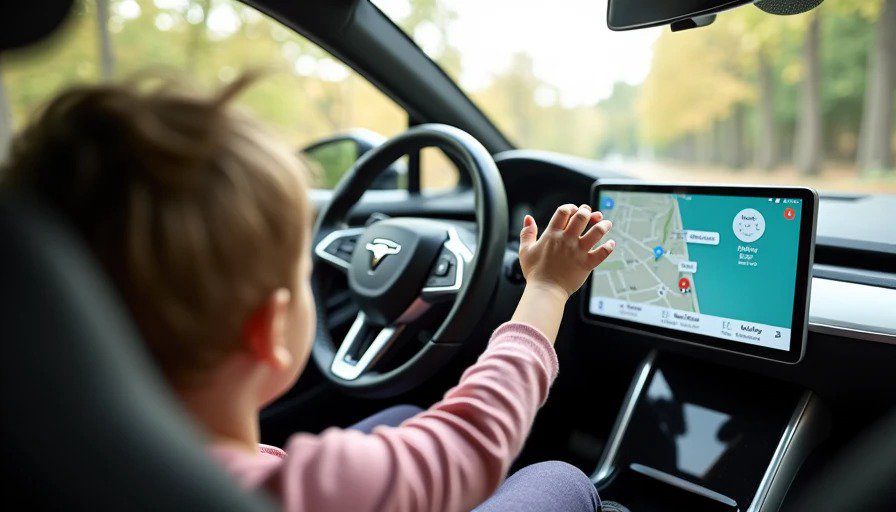
Here's a test you won't find in any automaker's lab.
They test touchscreens for glare. They test them for latency. They test them for how many milliseconds it takes to register a tap at -20°C.
They do not test them for a four-year-old in the backseat who just finished a juice box and wants to know why the map isn't showing the purple car anymore.
I do.
I spent eight years building infotainment systems at Harman. I know the engineering that goes into these screens—the oleophobic coatings, the capacitive sensors, the software filters designed to ignore accidental touches. And I know that none of that prepares a screen for Maya.
So I spent a week comparing two very different approaches: a modern touchscreen-centric system and a rotary-controller-based setup (specifically, Mazda's Commander knob system, which the company spent the last decade defending as the safer alternative). I tested both with the same car seat, the same child, and the same 20-mile route from Royal Oak to Novi.
Here's what survived. And what didn't.
The Touchscreen: A Fingerprint Magnet With a Kid Problem
Let's start with the obvious. Touchscreens are designed for clean, dry, adult fingers. They are not designed for:
Sticky fingers (residual juice-box sugar)
Wet fingers (post-sippy-cup condensation)
Fingers that belong to someone who doesn't understand why the screen isn't responding to a palm slap
The smudge problem is real. Within five minutes of Maya being in the car, the screen looked like a crime scene. Manufacturers apply oleophobic coatings to resist fingerprints, but those coatings wear down over time. And even when they're fresh, they don't stand a chance against a preschooler who's just discovered that touching the screen makes the colors change.
The bigger problem, though, is accidental inputs.
Touchscreens are prone to registering unintended touches. And kids are excellent at producing them. Maya reached forward from her car seat—strapped in, not even unbuckled—and managed to:
Change the audio source from CarPlay to AM radio (static, loud, panic)
Zoom the navigation map all the way out to the continental view (suddenly, we were in Canada)
Open the climate menu and turn the heated seats on (it was July)
None of these were malicious. She was just curious. She saw me touching the screen and wanted to touch it too. That's what four-year-olds do.
The safety angle is even more concerning. The AAA Foundation found that infotainment touchscreens can distract a driver for up to 40 seconds—enough to cover half a mile at 50 mph. A Swedish study compared a 2005 Volvo with physical buttons to a modern touchscreen-only BMW iX: the Volvo took 10 seconds to complete four common tasks, while the BMW took 30.4 seconds.
Now add a child who's accidentally changed your radio station and zoomed your map to Greenland. That 30 seconds just became a lot longer.
The Rotary Controller: Slower, But Safer (With One Big Exception)
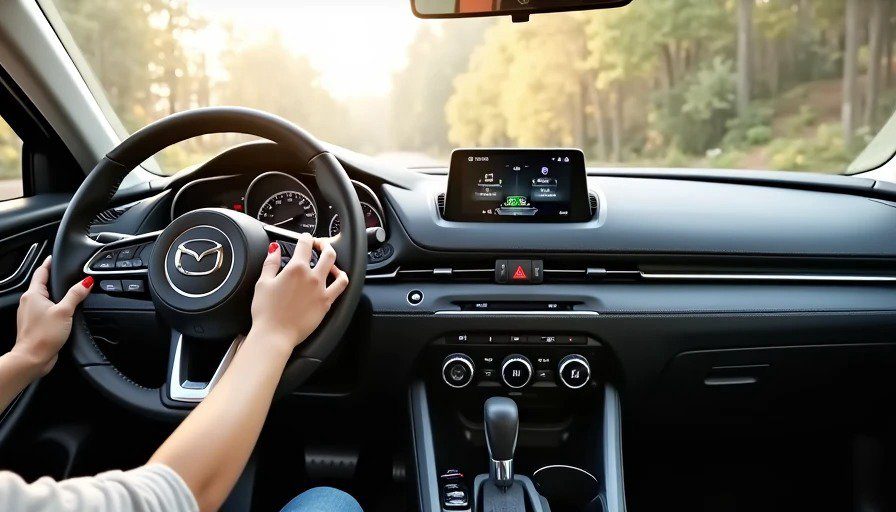
Mazda's rotary controller system has been the company's signature for years. Instead of reaching for the screen, you use a dial on the center console—rotating it to scroll through menus, pressing it to select, with dedicated shortcut buttons for navigation, audio, and home. The screen is mounted high on the dash, out of reach, controlled entirely by the knob.
The good: Maya can't touch it. The screen is too far forward, and the knob is down by the gear shift, where her car-seat-restrained arms can't reach. No accidental AM radio. No surprise heated seats. No zoomed-out maps to Canada.
The rotary controller also benefits from muscle memory. Once you learn the menu structure, you can navigate without looking at the screen—just counting clicks and feeling the tactile feedback of the knob. BMW drivers have long preferred the rotary controller for exactly this reason: "It's more accurate, less time-consuming and involves less swearing than trying to prod a screen while navigating our famously poor road surfaces".
The bad: Rotary controllers are slower for certain tasks, especially with Apple CarPlay and Android Auto. Those systems were designed primarily for touchscreen interaction. Navigating CarPlay with a rotary knob requires rotating through every icon sequentially, rather than just tapping what you want. As one Mazda owner put it: "menu navigation can feel slow and awkward compared with direct touch input".
There's an irony here: a system justified as safer can actually feel more distracting because the extra steps required to complete simple tasks demand more attention from the driver. And software updates to apps like Android Auto and Waze have made the knob experience worse over time, as apps change their layouts and scrolling behaviors in ways that don't account for rotary control.
The Dad Mode Test: Head-to-Head
I tested both systems on the same route, with the same car seat, the same child, and the same request: "Daddy, play Moana."
Here's what happened.
Touchscreen System:
Boot time: 6 seconds (acceptable)
Time to play Moana: 8 seconds (tap CarPlay, tap Apple Music, tap search, type "Moana," tap play)
Accidental inputs from Maya: 3 (radio, map zoom, climate)
Time I spent looking at the screen instead of the road: ~12 seconds total
Screen cleanliness after 20 minutes: unreadable
Rotary Controller System (Mazda):
Boot time: 5 seconds
Time to play Moana: 14 seconds (rotate to CarPlay, press, rotate through icons to Music, press, rotate through alphabet to M, press, rotate to Moana, press play)
Accidental inputs from Maya: 0 (she couldn't reach)
Time I spent looking at the screen instead of the road: ~5 seconds total (mostly glances to confirm cursor position)
Screen cleanliness after 20 minutes: pristine (she never touched it)
The touchscreen was faster for the task—8 seconds vs. 14 seconds. But it was also more distracting, and it required me to clean the screen afterward. The rotary controller was slower but safer, and the screen stayed clean.
Which one wins? That depends on your priority.
The Preschooler-Proof Verdict
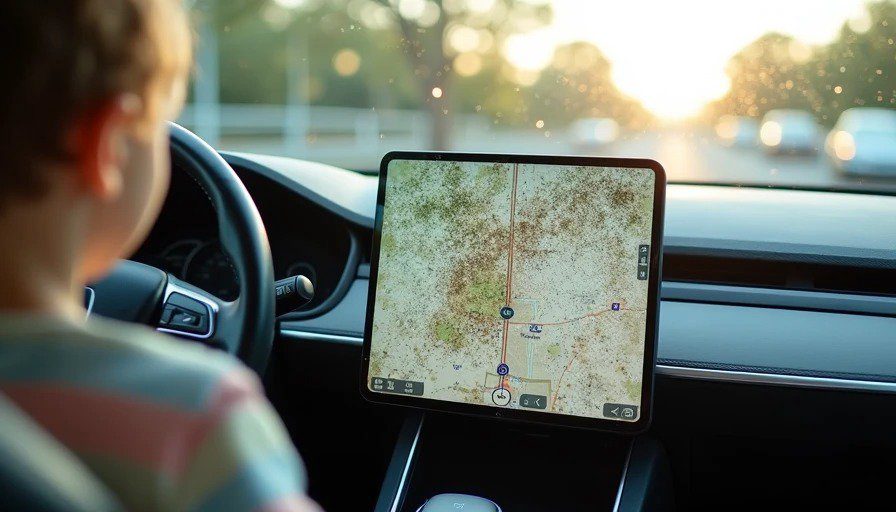
If you have kids under 10, the rotary controller is the better choice. It eliminates the single biggest source of distraction in a kid-filled car: little fingers reaching for the screen. The extra seconds it takes to navigate menus are a fair trade for not having to re-enter your destination because someone touched the screen while you were merging onto I-696.
But there's a catch. Mazda is abandoning the rotary controller.
The 2026 CX-5 replaces the rotary knob with a 12.9-inch or 15.6-inch touchscreen. The company now argues that a large, high-mounted touchscreen is actually safer than physical controls, because drivers don't have to look down to find the right button. Mazda's program manager, Koichiro Yamaguchi, has argued that relocating climate functions to a large display reduces the time drivers spend looking away from the road compared to searching through rows of similar-looking physical buttons.
I'm not convinced. The problem with touchscreens in cars isn't just where they're mounted—it's that they demand visual attention to operate. A rotary controller, by contrast, can be operated largely by feel. And a touchscreen that's out of reach of a child is a touchscreen that can't be accidentally activated.
The industry seems to agree, at least partially. Euro NCAP is changing its rules to favor tactile controls over touchscreens. Some automakers are reverting to physical buttons after years of touchscreen-only interiors. The pendulum is swinging back.
But for now, if you're shopping for a family car, look for one with a rotary controller or physical shortcut buttons. Your thumbs—and your kids—will thank you.