Why Is My CarPlay Not Working? A Troubleshooting Guide
Why is my CarPlay not working? That's the question I hear more than any other, both from readers and from friends who know I spent eight years building infotainment systems. The honest answer: it's almost never the car and rarely the phone. It's usually a small failure in the chain between them. Let me walk you through what I check first.
Start With the Cable Everyone Blames
The most common culprit is boring, so people skip it. A CarPlay cable needs data and power pins; cheap cables often only wire power. That's why your phone charges but the head unit never sees it. I've seen this with a $6 convenience-store Lightning cable that refused to handshake. Apple requires MFi certification for true CarPlay support, and it shows. Name-brand cables from Anker, Belkin, or Apple's own are the reliable start. But cables wear out. A cable that worked last month can fail after a hundred flex cycles. So step one: borrow the official boxed cable, or a known-good one, and plug it into the front USB port. Not a hub. Not the back seat. The front.
The Wireless Handshake Is Fragile
If you're running wireless CarPlay and asking why is my CarPlay not working again, the blame often falls on the Bluetooth and Wi-Fi handshake. CarPlay uses Bluetooth to discover the phone, then switches to a dedicated Wi-Fi link. Anything that interrupts that sequence breaks it. Common issues include a phone on the same channel as a nearby access point, a VPN grabbing the link, or a focus mode suppressing the prompt. I've seen a phone hop between the car's Wi-Fi and a home network when parked close to the garage. The fix is usually forgetting the car in Settings and re-pairing from scratch.
The Soft Reboot That Fixes Most Head Units
Infotainment systems are just computers, and computers get stuck. Reboot both ends. Start with your phone: a simple power off and on clears most glitches. Then the head unit. Many cars have a hidden reset routine — holding the volume knob for ten seconds does it on many systems. Check the manual for the exact sequence. The order matters. If the head unit is stuck in an old session, pair the phone first, then cycle the head unit. If the phone is stuck, cycle it first. 'Why is my CarPlay not working after an iOS update?' is a common variant; a full phone restart is almost always the cure.
Car-Specific Quirks You Should Know
Every manufacturer has its own CarPlay quirks. In Honda and Acura models, CarPlay only works through a specific USB port, and the charging port won't trigger it. In several Toyota and Lexus systems, CarPlay has to be toggled on in display settings. In GM vehicles, a 'Projection' setting can silently disable it. Older head units also sometimes refuse to talk to newer iOS versions. The fix is often a dealership firmware update, which many automakers have already released.
What If CarPlay Works but Keeps Dropping?
A different kind of failure is the one that connects, then dies two minutes later. That's usually a power or data issue rather than a pairing problem. The head unit is drawing more current than the cable can carry, or the cable is introducing enough resistance that the connection resets when the phone processes a navigation route. I've also seen it happen when a phone is too hot. In my family SUV, a wireless CarPlay session drops every time the phone sits in direct sun on the passenger seat. Moving it to a shaded cupholder fixes it. If your drops happen at the same spot in your commute, it might be interference from a toll transponder or a dash cam power supply.
A Step-by-Step Fix Order
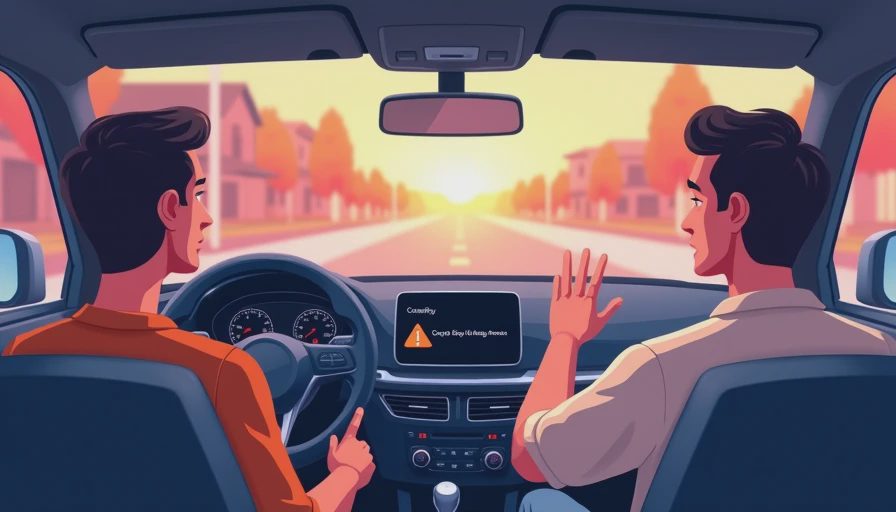
If you're still asking why is my CarPlay not working, run through this exact sequence. It covers the vast majority of the cases I see.
- Use a known-good, MFi-certified cable in the front USB port.
- Forget the car in iPhone Settings, then General, then CarPlay.
- Delete the car from Bluetooth and remove the phone from the car's saved devices.
- Restart the iPhone completely.
- Turn off the ignition, open the driver's door to power down the infotainment, then restart the car.
- Pair the phone fresh from the head unit's display.
If that works, great. If not, don't repeat the same steps.
When the Head Unit Is Actually Dead
At some point the cable, phone, and car all look fine, but the icon stays gray. Infotainment modules do fail: the USB controller loses its data path, the Wi-Fi module dies, or software corrupts. Before paying for diagnosis, check for a firmware update. Out of warranty, a dealer visit might cost $150 to $300. Compare that to an aftermarket head unit with wireless CarPlay, which can run $400 to $1,200 installed. My rule: if a reset and a new cable don't get CarPlay working in two tries, get diagnostic data. CarPlay logs on the phone side, and a good shop can read it.
So when you're staring at the screen and wondering why is my CarPlay not working, start with the cheap stuff, work up from there, and know when to call in help. A little method goes a long way. Bench-tested. Kid-tested.