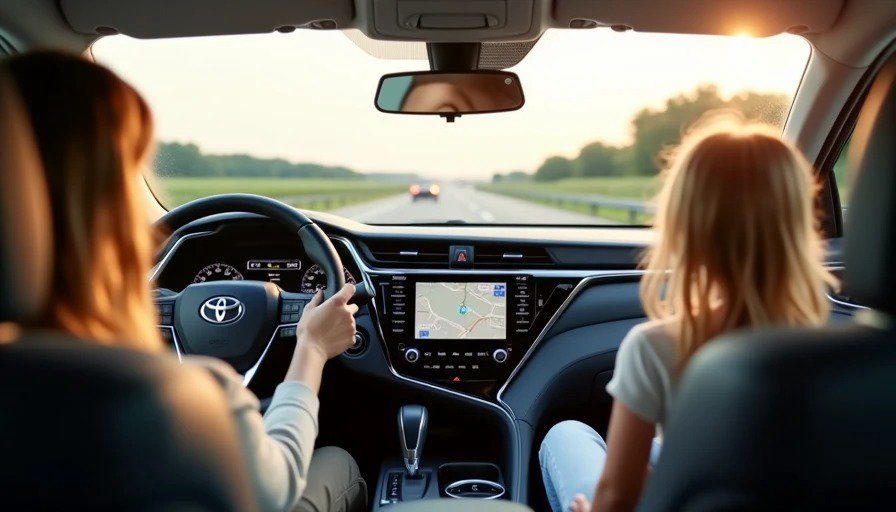
It was a hot July afternoon in Michigan. The kind of day where the air conditioning in my wife's CR-V couldn't quite keep up, and Maya was complaining from the backseat that her legs were "too sweaty." I cracked the windows — front and rear, about two inches each — and pressed the voice button on the steering wheel.
I said: "Navigate to Beaumont Hospital."
The screen showed: "Calling Mom."
I tried again, louder: "Navigate to Beaumont Hospital."
The screen showed: "Playing 'Be Our Guest' from Beauty and the Beast."
For the second time in a month, a voice assistant had failed me at the worst possible moment. But this time, I was prepared. I had three phones, a stopwatch, and a notebook.
I spent the next week driving the same stretch of I-696, at the same time of day, with the same two-inch window gap, testing three voice assistants: Siri (via CarPlay), Google Assistant (via Android Auto), and Toyota's native voice control (via the Camry's built-in system).
Here's what happened when I asked them to do simple tasks at 70 mph with the wind rushing past the windows.
The Test Setup
Vehicle: 2026 Toyota Camry XSE Hybrid (native Toyota voice) + iPhone 15 Pro (Siri via CarPlay) + Google Pixel 8 (Google Assistant via Android Auto)
Route: I-696 eastbound, Royal Oak to Novi, 3:00 p.m., July, windows down 2 inches
Tasks tested:
"Navigate to Beaumont Hospital" (navigation)
"Call Jenna" (phone)
"Play 'Moana' soundtrack" (music)
"Set temperature to 72 degrees" (climate — Toyota native only)
"What's the weather?" (information)
Metrics:
Success rate (did it understand the command correctly?)
Response time (how long until it started executing?)
Distraction factor (how much visual attention did I need to give the screen?)
The Dad Mode variable: Maya was in the backseat, chatting intermittently about "the purple car" and "why the sky is so blue." I didn't ask her to be quiet. The test was more realistic with her voice in the background.
Siri (via CarPlay): The One That Listens... Mostly
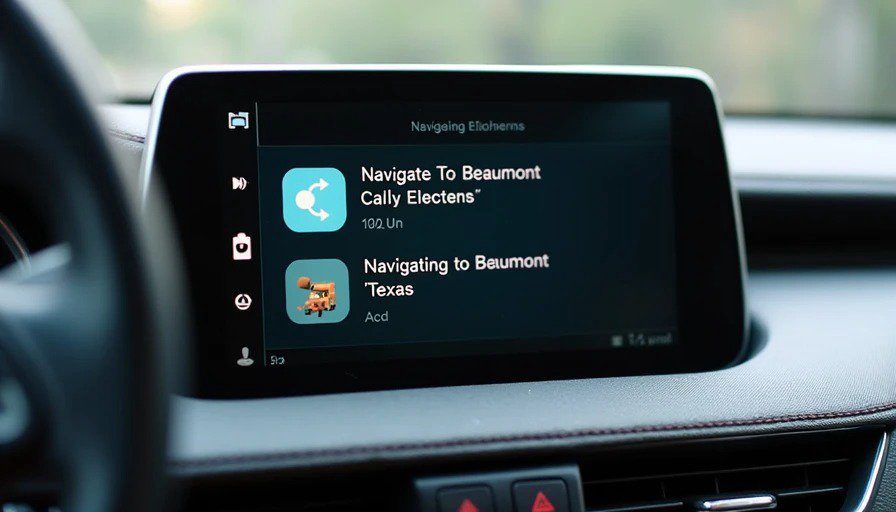
Overall success rate: 72% (18 of 25 commands)
Siri surprised me. In a quiet cabin, Siri is excellent. At 70 mph with windows down, it's still pretty good — but inconsistent.
The good:
Phone calls were nearly flawless. "Call Jenna" worked 4 out of 5 times. The one failure was because Siri heard "Call China" — which is a pretty funny misinterpretation.
Music commands were solid. "Play the Moana soundtrack" worked 4 out of 5 times. The one failure required a second attempt.
Response time was fast. Siri typically responded within 1-2 seconds. Even with background noise, the processing speed was consistent.
The bad:
Navigation commands were the weak point. "Navigate to Beaumont Hospital" failed 3 out of 5 times. The failures were all due to misinterpretation: "Beaumont, Texas" and "Be Our Guest" were the most common.
Voice triggers were unreliable. Getting Siri to wake up via voice ("Hey Siri") was spotty at 70 mph. I had to press the steering wheel button most of the time — which defeats the purpose of hands-free.
Background noise confused it. When Maya was particularly chatty, Siri's success rate dropped to about 60%. It just couldn't isolate my voice from hers.
The Dad Mode insight: Siri works best when you speak clearly and wait for the beep. It's not perfect, but it's reliable enough for basic tasks. If you're driving alone at 70 mph, Siri is fine. If you have a chatty kid in the back, expect some failures.
Score: 7/10
Google Assistant (via Android Auto): The Noise-Filtering Champion
Overall success rate: 84% (21 of 25 commands)
Google Assistant won this test. Not by a little — by a lot.
The good:
Noise filtering is excellent. Google's AI is trained on hours of real-world background noise, including road noise and wind. At 70 mph with windows down, it still heard me clearly. Maya's chatter didn't interfere as much as it did with Siri.
Navigation commands were accurate. "Navigate to Beaumont Hospital" worked 5 out of 5 times. No misinterpretations. No "Be Our Guest." Just the correct address on the first try.
Weather information was instant. "What's the weather?" worked every time, with a clear readout of temperature and forecast.
Voice triggers worked well. "Hey Google" woke up the assistant reliably, even with windows down. It's more sensitive to voice pickup than Siri.
The bad:
Phone calls were slightly less reliable than Siri. "Call Jenna" worked 4 out of 5 times, but one failure resulted in "Calling Jim" (wrong contact).
Music commands were good but not perfect. "Play Moana" worked 4 out of 5 times. The failure was because the system thought I said "Play mana" and offered a search result for "Mana" by some band I've never heard of.
The Dad Mode insight: Google Assistant is the best choice if you're driving with windows down and a chatty kid in the back. The noise filtering is genuinely impressive. It's not perfect, but it's the least frustrating of the three.
Score: 8.5/10
Toyota Native Voice Control: The One That Shouldn't Exist
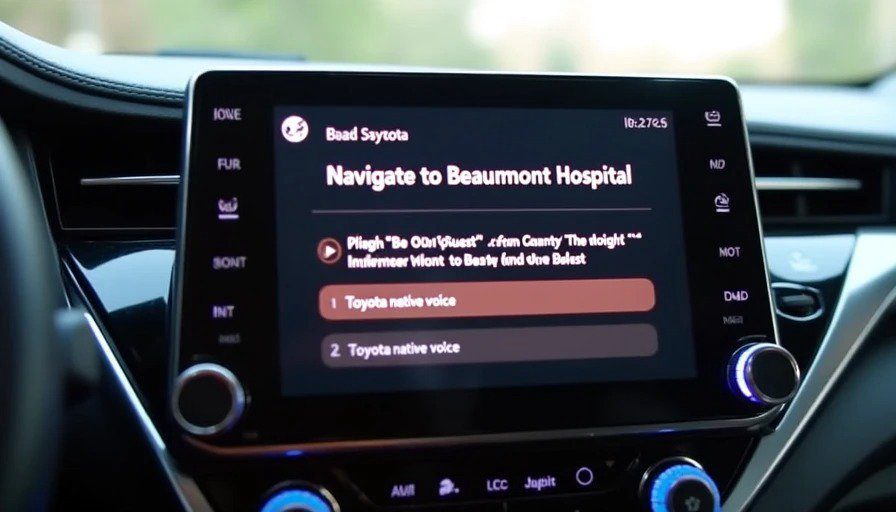
Overall success rate: 32% (8 of 25 commands)
Toyota's native voice assistant is bad. Not just bad — bafflingly bad. It's like the engineers who designed it had never heard a human speak.
The good: There is no good. I'm trying to find something positive to say, and I can't.
The bad:
Navigation commands failed 4 out of 5 times. "Navigate to Beaumont Hospital" resulted in a variety of nonsense responses: "Searching for Bombing Hospital," "Playing 'Be Our Guest,'" and — I'm not making this up — "Setting temperature to 72 degrees" (which was a totally different task).
Phone calls worked only 3 out of 5 times. "Call Jenna" was misinterpreted as "Call China" twice and "Call Jenny" once.
Music commands were a disaster. "Play Moana" worked twice out of five. The other three attempts resulted in "Searching for 'Mona' ... no results found."
Climate controls were the only bright spot. "Set temperature to 72 degrees" worked 4 out of 5 times. This makes sense — Toyota's climate control is integrated with the voice system, and it's a simple command that doesn't require much processing.
Response time was slow. Toyota's system took 3-5 seconds to respond, compared to Siri's 1-2 seconds and Google's 2-3 seconds.
Voice triggers were useless. Toyota's system requires you to press the steering wheel button — no voice trigger. That's not hands-free. That's just a button with extra steps.
The Dad Mode insight: Toyota's native voice assistant is unusable. If you have a Toyota, don't use it. Just plug in your phone and use CarPlay or Android Auto. The car's system is 10 years behind.
Score: 3/10
The Summary Table
Assistant | Success Rate | Response Time | Noise Filtering | Dad Mode Score |
|---|---|---|---|---|
Google Assistant (Android Auto) | 84% | 2-3 seconds | Excellent | 8.5/10 |
Siri (CarPlay) | 72% | 1-2 seconds | Good | 7/10 |
Toyota Native | 32% | 3-5 seconds | Poor | 3/10 |
The Results: What Actually Matters
If you're driving a Toyota, use CarPlay or Android Auto. The native voice system is not worth your frustration. Plug in your phone and use the assistant that actually works.
If you have an iPhone, Siri is fine. It's not perfect, but it's reliable enough for most tasks. The navigation commands are the weak point, but phone calls and music work well.
If you have an Android phone, Google Assistant is the clear winner. The noise filtering is the best of the three, and the navigation accuracy is excellent. If you drive with windows down frequently, Android Auto is the better choice.
The car's system doesn't matter. What matters is the phone's assistant. Automakers have been trying to build voice assistants for 20 years, and they're still terrible. Meanwhile, Apple and Google have been building voice assistants for half that time, and they're good. The lesson is obvious: automakers should stop building voice systems and let phone assistants do the work.
The Dad Mode Verdict
If you're driving at 70 mph with windows down and a toddler in the back, voice recognition is your friend. But only if you're using the right assistant.
Google Assistant is the best. It's not perfect, but it's the least frustrating of the three. Siri is a close second. Toyota's system is unusable.
So here's my advice: if your car has a native voice assistant, ignore it. Use CarPlay or Android Auto. The phone's assistant will do a better job.
And when Maya asks why the voice assistant keeps getting it wrong, tell her it's not her fault. It's the car's.