The first time a map froze on me during a school-run merge lane, I blamed the head unit. Then I swapped in a high-quality usb cable for android auto and the whole system stopped acting haunted. That is the boring truth most drivers miss: Android Auto is only as steady as the cable between the phone and the car, and the cheapest cable in your center console is usually the weak link.
The frustrating part is that the failures do not always look like cable problems. You get random disconnects, a phone that charges but never launches the projection screen, touch lag that makes every tap feel late, or a connection that drops the moment the cable gets bumped. In a family car, that usually happens when the phone is half-buried under a snack wrapper, the cable is routed around a shifter, and somebody in the back asks for music changes right when the screen blanks out.
A decent cable fixes more than one symptom at once. It keeps power stable, keeps the data link from flapping, and it fits the port tightly enough that a little vibration does not break the handshake. That is why this topic is not accessory fluff. It is signal-chain housekeeping, and if you want Android Auto to feel native instead of fussy, the cable matters.
Why cheap cables make Android Auto feel broken
A lot of bad cables fail for dumb reasons. Some are meant for charging only, so they have power wires but no real data capability. Others have thin conductors that work on a desk, then fall apart in a car where the plug is tugged, twisted, and left baking in summer heat or stiff in winter cold. Once the phone and the car lose a stable USB link, Android Auto has to renegotiate the connection, and that is when the screen flashes or the app restarts.
The weird thing is that the car often looks guilty when the cable is the one lying. If the phone is nearly full, people assume power is not the issue. If the music keeps playing, they assume data must be fine. In reality, Android Auto is juggling both. The link needs enough power for the phone to stay awake and enough clean data bandwidth to keep maps, audio, and touch input synchronized. A cable that is marginal on either side can produce the same sloppy feeling.
I also care about connector fit. Some bargain cables have plugs that seat loosely, which is a disaster in a console cubby or a glove-box route. A little movement from braking, a kid kicking the back of the seat, or simply putting the phone down too hard can interrupt the connection. That is the kind of failure that makes a driver think the software is buggy when the hardware is just shaky.
What a high-quality usb cable for android auto is actually doing
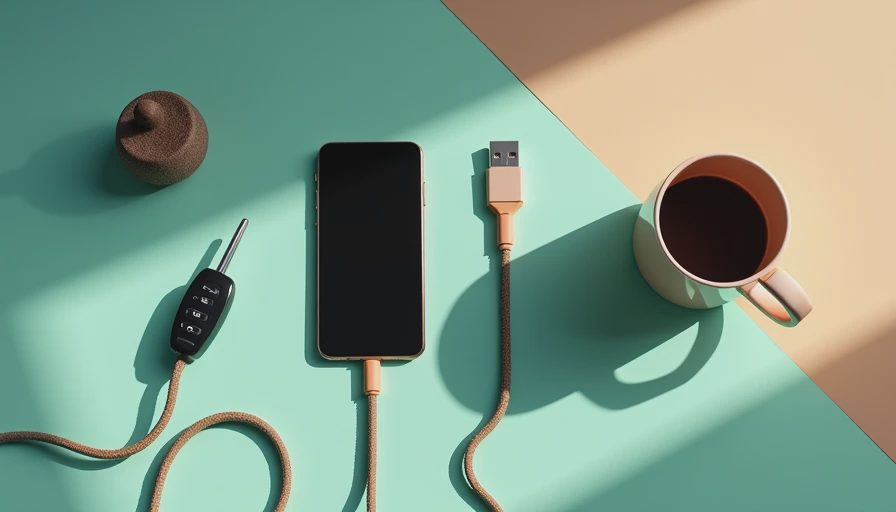
A high-quality usb cable for android auto is not magical. It is just built to stay electrically boring, which is what you want. Android Auto does not need some exotic, ultra-fast charging pipeline to work well. It needs a reliable USB data path, and in most cars that means a cable with proper conductors, solid shielding, and a connector that does not wobble every time the road gets rough.
In practice, a shorter cable is usually better. Three feet is a sweet spot if your phone can live near the console or tray. Six feet works when you need routing flexibility, but long cheap cables are where signal loss and loose fit start to show up. If your car has a USB-A port, a USB-A to USB-C cable is still the most common choice. If it has USB-C, a USB-C to USB-C cable can be great, but only if the cable is truly wired for data and not just fast charging.
This is also where branding matters a little. I have had better luck with plain, reputable lines from Anker, Belkin, Cable Matters, Monoprice, and Amazon Basics than with no-name bundles that promise the moon for seven dollars. You do not need to spend forty bucks. In the real world, a solid cable in the ten to twenty dollar range is usually where the headaches stop.
The specs that matter more than the marketing
Ignore most of the packaging copy and look for three things: data support, build quality, and a trustworthy return policy. USB 2.0 speeds are often enough for Android Auto, because the system is not streaming giant video files. What matters is consistency. If the cable is poorly made, the phone and head unit can still negotiate the link, but the connection can become fragile under heat, motion, or repeated plugging.
Braided jackets are nice, but braid alone does not make a good cable. Some braided cords are stiff enough to pry at the port when they get routed around a center stack bin. Others are soft and flexible but have weak strain relief at the connector. The sweet spot is a cable that bends without kinking and has a reinforced neck at both ends so the plug does not start fretting after a few months of daily use.
One practical clue: if the seller is vague about whether the cable supports data, skip it. Real product pages should clearly say it works for syncing or data transfer, not just charging. That matters especially if you are using a phone with a thick case, because sloppy connectors often do not fully seat once a case lip gets in the way.
Where I see cables fail in the real world
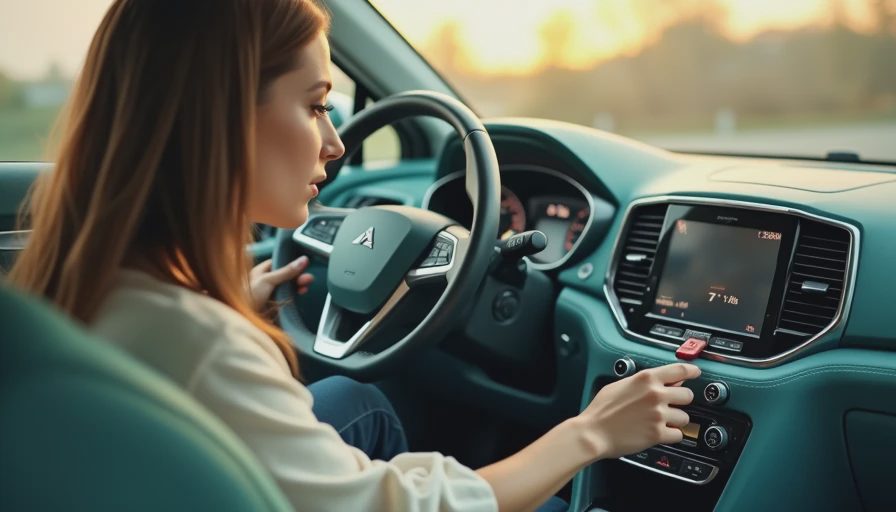
Most failures happen at the same three places: the phone end, the port end, and the middle of the cable where it gets bent every day. In a family SUV, the middle section usually gets abused the most. Someone stuffs the phone into a pocket, pulls the cable sideways, and over time the internal wires fracture even though the outside jacket still looks fine. Then you get the classic mystery: the phone charges in some positions but Android Auto drops out when the car hits a pothole.
Cold weather makes this worse. In Michigan winter, stiff cables do not flex as gracefully, and brittle bargain plugs feel even cheaper when you are wearing gloves and trying to plug in one-handed before backing out of the driveway. That is why I prefer a cable with a little flexibility and a connector shell small enough to fit next to a case, not just a flashy exterior finish.
If you use a wireless charger pad and still need a cable for setup or backup, keep a spare in the glove box. It does not have to be fancy. It does have to be tested. Bench-tested. Kid-tested.
How to buy once instead of twice
If you want the easy path, buy one good cable, then leave it in the car and stop moving it around. Pick the correct connector type for your phone and your car, keep the length short enough that it does not loop across the cabin, and choose a brand with a real warranty instead of a mystery pack from a marketplace seller. That alone solves most of the recurring disconnect complaints I hear from drivers.
I would also avoid treating charging speed as the main selling point. Fast charging is nice, but stable Android Auto behavior is the reason you are buying the cable in the first place. A cable that keeps the screen alive, the audio clean, and the connection steady is worth more than a spec sheet that looks impressive and behaves badly in a real cabin.
If you are narrowing it down, I would rather hand a driver one dependable cord than three bargain spares, because the right high-quality usb cable for android auto is the rare accessory that makes the car feel newer without touching anything else.