Every CarPlay review says the same thing: "Wireless is convenient. Wired is more reliable."
That's not a review. That's a cop-out.
I spent eight years building infotainment systems at Harman. I know exactly what's happening inside that USB port and inside that 5GHz Wi-Fi handshake. And I know that the difference between wired and wireless CarPlay isn't just about a cable — it's about latency, audio sync, battery drain, and whether you'll miss your exit because the map couldn't keep up.
I tested both. Extensively. In my driveway, on I-696, and with a four-year-old in the backseat asking why the song hasn't started yet.
Here's what I found.
The Core Difference: How Each Connection Actually Works
Most people think wireless CarPlay is just "wired without the wire." It's not.
Wired CarPlay is simple. You plug your iPhone into the car's USB port with a cable. The data — everything from touch inputs to map rendering to audio streams — travels over a direct physical connection. There's no translation layer, no wireless handshake, no interference from the guy in the next lane using a radar detector. It's just data moving through copper.
Wireless CarPlay is a two-step dance. First, your phone and car do a Bluetooth handshake — that's just for discovery and authentication. Once they recognize each other, the system hands off all the heavy lifting to a 5GHz Wi-Fi connection. Wi-Fi carries the video stream, the audio, the map data — everything that actually matters.
Here's the catch: both Bluetooth and Wi-Fi must be on and working. If your phone's Wi-Fi is flaky, or the car's Wi-Fi module is older, or there's interference from other devices, the whole thing falls apart.
That's not a bug. That's the architecture.
Latency: The Number You Can Actually Feel
Let's get the numbers out of the way first.
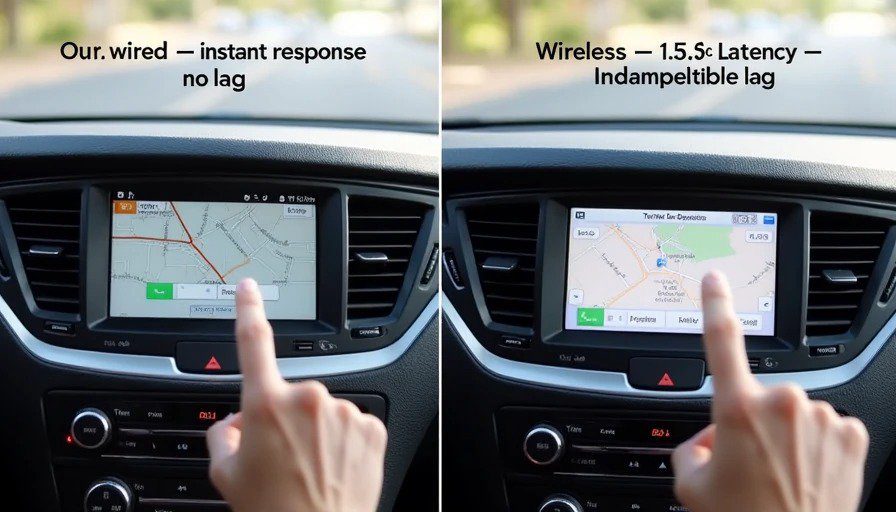
Multiple 2026 tests show that wired CarPlay averages under 0.2 seconds of latency — essentially imperceptible-. You tap the screen, the car responds. You skip a song, it skips. No hesitation.
Wireless CarPlay averages 0.3 to 0.5 seconds in normal conditions-. That's half a second. It doesn't sound like much until you're trying to skip a song and the audio doesn't change until you've already looked back at the road. Or until you're navigating a complex interchange and the map lags behind your actual position.
And here's the thing: 0.3 to 0.5 seconds is best case. In tunnels, under high-voltage power lines, in dense urban areas with crowded 5GHz spectrum — it gets worse. I've seen wireless CarPlay lag spike to over a full second in the parking structure at Detroit Metro Airport.
One source described wireless CarPlay's lag as a "1-2 second hesitation"-. Another user on Reddit reported "about 1 - 1.5 seconds of lag between changing songs"-. That's not nitpicking. That's a degraded experience.
The engineering reason: Wireless CarPlay has to encode video (H.264/H.265), compress audio, and transmit it all over Wi-Fi while also handling Bluetooth for control signals. Wired just sends the raw data. No encoding. No compression. No wireless interference.
What this means for you: If you're driving around town, 0.5 seconds might not bother you. But if you're navigating a city you don't know, or skipping through a playlist on a road trip, you will notice. Every single time.
Audio Sync: Why the Video and Audio Don't Match
This is the one that drives me crazy.
When you're watching a video on your phone, audio and video are synced. When you're using wired CarPlay, audio and video are synced.
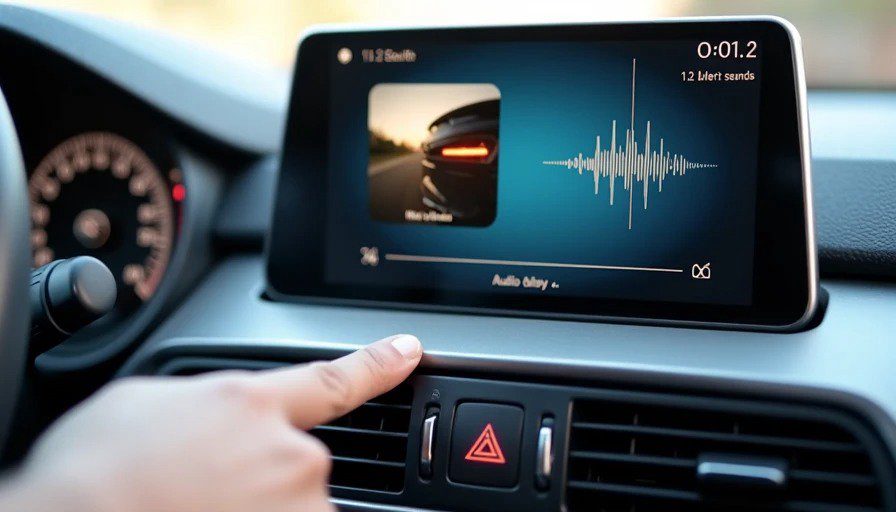
Wireless CarPlay intentionally delays media audio by 1-2 seconds-.
Yes — intentionally. Apple designed it that way.
The reason: wireless CarPlay buffers audio to prevent dropouts. If the Wi-Fi signal glitches for a split second, the buffer covers it, so you don't hear a skip or stutter-. The trade-off is that the audio is deliberately delayed relative to the video.
This means:
When you skip a song, the visual changes immediately, but the audio takes 1-2 seconds to catch up-.
When you're watching a video (if your car allows it), the lips are out of sync with the sound-.
When you're playing a game or using any app with sound effects, nothing lines up.
One user on a car forum described it perfectly: "There is an extreme delay (2-3 second) from when a button is pressed in the car to when the audio reacts. So you try to progress a song and it delays a couple seconds before actually doing it"-.
Wired CarPlay has none of this. Audio plays instantly. Skip a track, it skips immediately. No buffer delay. No sync issues-.
What this means for you: If you just listen to podcasts or talk radio, the 1-2 second audio delay doesn't matter much. But if you skip songs frequently, or watch any video content in your car, it's maddening.
Audio Quality: Lossless vs. Compressed
This one matters most if you have a good sound system. (And if you don't, you might not notice — but the difference is real.)
Wired CarPlay uses LPCM (Linear Pulse Code Modulation) — an uncompressed audio format. It's lossless. What comes out of your phone is exactly what comes out of your speakers-.
Wireless CarPlay uses AAC-LC (Advanced Audio Coding - Low Complexity) — a compressed format. It's lossy. Data is thrown away to fit through the Wi-Fi pipe-.
The wireless audio bitrate is also limited because Wi-Fi bandwidth is shared with video streaming, map data, and everything else. Lower bitrate means less data, less heat, and more stable system — but also lower quality.
One reviewer who tested multiple wireless adapters put it bluntly: "No matter which wireless CarPlay adapter I used, the issues were always the same: audio sucked".
What this means for you: If you have a premium audio system (Bose, B&O, Harman Kardon, etc.) and you care about sound quality, wired is the only choice. If you're listening to podcasts or audiobooks in a base-model car, you probably won't notice.
Battery Drain: The Hidden Cost of Wireless
Here's the math that stopped me from using wireless on road trips.
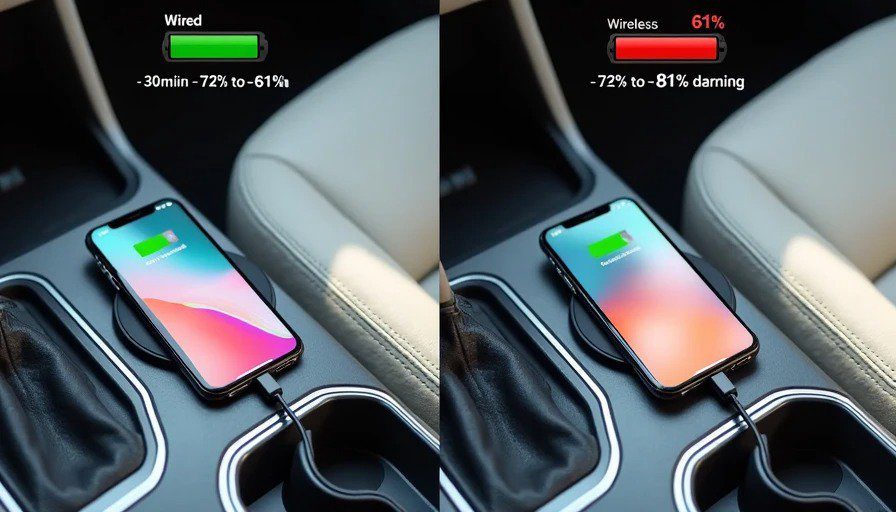
Wireless CarPlay drains your iPhone battery at about 18% to 22% per hour-. On a 500-mile trip with navigation, music, and voice interactions, you're looking at 60% to 70% total battery loss.
Why so much? Because wireless CarPlay requires three simultaneous high-power tasks:
Wi-Fi direct connection (not a normal hotspot — a dedicated, high-bandwidth link)
Bluetooth low-energy signaling for control
H.264/H.265 video encoding to stream the display to the car
That's a lot of processing. One user reported a 15% battery drop in just 55 minutes with wireless CarPlay-. Another saw 37% drop in under an hour-.
Wired CarPlay charges your phone while it's connected. You start at 80%, you end at 95%. Or 100%, if your car supports fast charging.
But — and this is important — not all wired connections are created equal. If your car only supports USB 2.0 (5V/0.5A), that's only 2.5W of charging power. Your iPhone might be drawing 3.1W during navigation. So even plugged in, you could lose battery if your car's USB port is underpowered.
What this means for you: If your car has USB PD fast charging (5V/3A or 9V/2A), wired is a no-brainer. If your car only has old-school USB ports, wired might just slow the drain rather than reverse it. Check your car's specs.
The Real-World Test: Royal Oak to Novi
I drove the same 20-mile route — from my house in Royal Oak to the old Harman campus in Novi — five times. Three times wired, twice wireless. Same iPhone 15 Pro. Same car. Same time of day.
Wired:
Connected instantly
Zero audio lag
Map kept up perfectly at 70 mph
Phone went from 72% to 84% over 30 minutes
Wireless:
Took about 8 seconds to connect after startup
~0.4-second lag on every tap
Audio delay on song skips: about 1.2 seconds
Map stuttered twice near the I-696/I-275 interchange
Phone went from 78% to 61% over 30 minutes
That's the difference. Not theoretical. Measurable.
And when Maya was in the back asking for "the Moana song" for the third time, that 1.2-second audio delay felt like an eternity.
Who Should Use Wired
Anyone with a premium sound system who cares about audio quality
Road-trippers who don't want to worry about battery
Drivers who use navigation in unfamiliar areas (map lag matters)
People who skip songs frequently (the audio delay is annoying)
Anyone who's ever had a wireless CarPlay connection drop at a critical moment
Who Should Use Wireless
Short commuters (under 20 minutes)
People who hate cables and don't mind the trade-offs
Drivers who only use CarPlay for podcasts and basic maps
Anyone with a car that has excellent wireless implementation (some do)
One Final Thought
I spent eight years building these systems. I know the engineers who designed the wireless CarPlay stack. They're brilliant. They made the best trade-offs they could with the technology available.
But here's the truth: wireless CarPlay is a convenience feature with real compromises. Wired is still the gold standard for performance, quality, and reliability.
The cable isn't a nuisance. It's a guarantee.
If you can plug in, plug in. Your thumbs — and your ears — will thank you.
Bench-tested. Kid-tested.