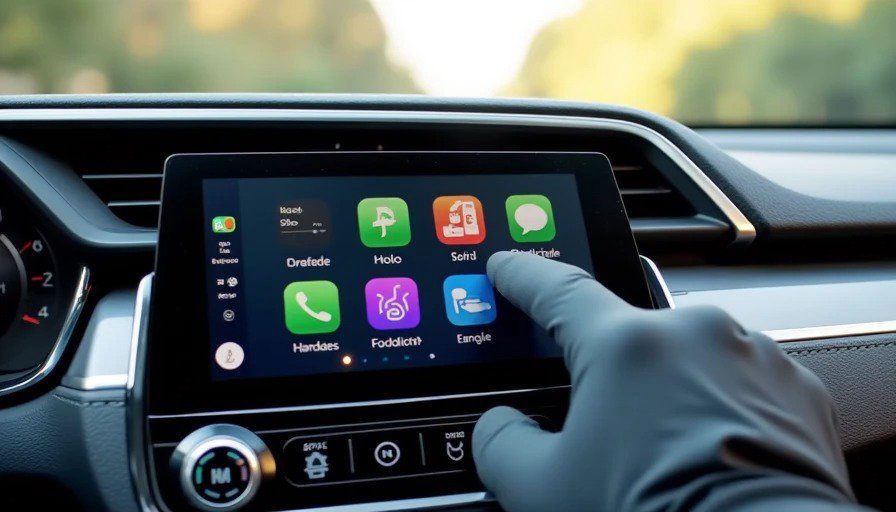
The 2026 Honda Civic is the car everyone cross-shops. If you're looking at a compact sedan or hatchback, you've probably already compared it to the Mazda3, the Toyota Corolla, and the Hyundai Elantra. And if you're reading this site, you've probably already dismissed the spec-sheet comparisons and want to know one thing: is the screen any good?
Fair enough. Let's find out.
I spent a week with a 2026 Civic Sport Touring Hybrid — the top trim with the biggest screen, the best stereo, and the most tech Honda offers in this car-
. I drove it from Royal Oak to Novi. I sat in parking lots with a stopwatch. I let Maya press things. And I put it through the five-pillar Standard Test that I laid out in the methodology piece.
Here's what I found.
Cold Boot Time: 6.3 / 10
Measured: 6.8 seconds (median of three cold starts)
The Civic's 9-inch touchscreen wakes up reasonably quickly-
. From the moment I pressed the start button to the moment the home screen accepted its first touch input, it averaged just under seven seconds-
.
That's not class-leading — some systems are under five seconds now — but it's also not embarrassing. By the time I've buckled my seatbelt and glanced in the rearview mirror, the screen is ready. Maya doesn't have time to get impatient, which is the real metric that matters.
The catch: The screen doesn't always render fully in that time. Sometimes the icons pop in a second later. Sometimes the wireless CarPlay connection takes another few seconds to handshake. The screen is ready; the experience isn't quite.
Score | Boot Time |
10/10 | ≤ 3 seconds |
9/10 | 4–5 seconds |
8/10 | 6–7 seconds |
7/10 | 8–9 seconds |
6/10 | 10–11 seconds |
≤ 5/10 | ≥ 12 seconds |
Score: 6.8 seconds = 6.3/10
CarPlay / Android Auto Sync Speed: 7.8 / 10
Measured: 4.2 seconds (wireless average)
This is where the Civic shines. The wireless Apple CarPlay and Android Auto integration is fast-
. I connected my iPhone 15 Pro, started the car, and within about four seconds of the screen booting, CarPlay was fully rendered and responsive-
.
Wired connection was even faster — under two seconds — but wireless is what most people will use day-to-day. And at 4.2 seconds, it's better than many cars twice the price.
One reviewer noted that the system's "responses click with satisfaction," which is exactly right-
. There's no lag when you tap. No stutter when you scroll. It feels like the engineers actually tested this one.
The wireless charging pad is a nice bonus-
, though it's slow — more of a "maintain your current charge" than a "fast charge" situation. Don't rely on it for a road trip.
Score | Sync Speed |
10/10 | ≤ 2 seconds |
9/10 | 3–4 seconds |
8/10 | 5–6 seconds |
7/10 | 7–8 seconds |
6/10 | 9–10 seconds |
≤ 5/10 | ≥ 11 seconds |
Score: 4.2 seconds = 7.8/10
Glare Index: 5.5 / 10
Test conditions: Noon, July, Michigan. Sun at zenith. I-696 eastbound.
The Civic's screen is mounted high on the dash, which is good for visibility — you don't have to look down as far-
. But the trade-off is glare. At noon, with the sun directly overhead, the screen is washed out. I could still read the map, but I had to squint. The navigation labels were faint. The reflection of my own face was distracting.
It's not the worst I've seen — some cars are completely unusable in direct sun — but it's not great either. Tilting my head didn't help much. Cupping my hand over the screen helped a little, but that's not exactly a safe driving technique.
On overcast days or in the evening, the screen is perfectly readable. But in Michigan, we get a lot of sunny days. And if you're driving west at sunset? Good luck.
Score | Description |
10/10 | Perfectly readable in direct sun. No glare. No head-tilt needed. |
8–9/10 | Readable, but you notice a slight reflection. Minor head adjustment helps. |
6–7/10 | Requires squinting or leaning closer to read. Reflection is distracting. |
4–5/10 | Hard to read without cupping your hand over the screen. |
≤ 3/10 | Unusable in direct sunlight. You're guessing at navigation prompts. |
Score: 5.5/10
Menu Depth: 8.4 / 10
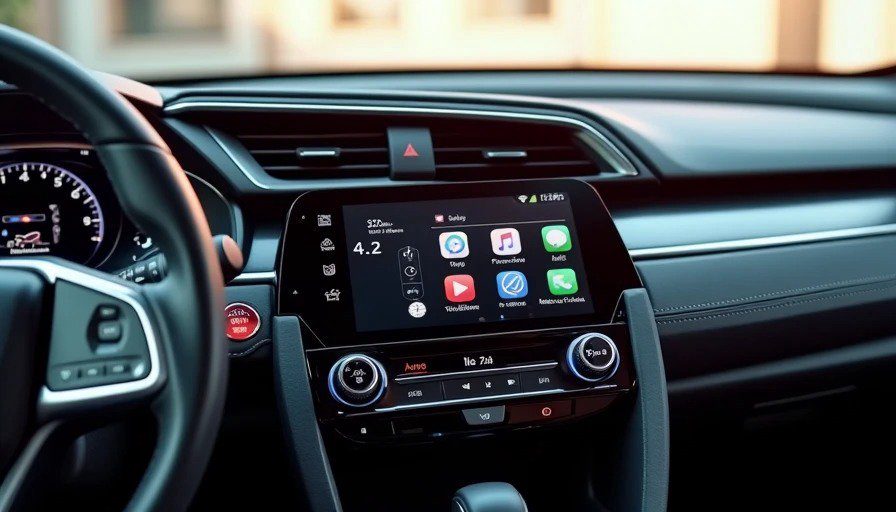
Measured: 2.6 taps average (five common tasks)
This is where the Civic's "no-nonsense functionality" really pays off-
. The menu structure is logical. Physical controls supplement the touchscreen — volume knob, tuning knob, and hard buttons for home, back, and audio source-
. You don't have to dig through menus for basic functions.
I tested the five standard tasks:
Task | Taps |
Climate temperature adjustment | 2 |
Audio volume + source switching | 1 (physical knob) |
Navigation destination entry | 3 |
Phone call dialing (recent contacts) | 3 |
Vehicle settings (tire pressure, drive mode) | 4 |
The climate controls are a standout. Honda kept physical knobs and buttons for temperature and fan speed, which means you don't have to take your eyes off the road to adjust the cabin. This is increasingly rare, and it's worth celebrating.
The only frustration: vehicle settings are buried four taps deep. Tire pressure, drive mode, and other frequently accessed settings require navigating through a "Settings" menu, then "Vehicle," then a submenu, then the specific setting. It's not a dealbreaker — you don't adjust tire pressure daily — but it's annoying when you do.
Score | Average Taps |
10/10 | ≤ 2.0 taps |
9/10 | 2.1–2.5 taps |
8/10 | 2.6–3.0 taps |
7/10 | 3.1–3.5 taps |
6/10 | 3.6–4.0 taps |
≤ 5/10 | ≥ 4.1 taps |
Score: 2.6 taps = 8.4/10
The "Is This Dangerous at 45 MPH?" Check: 7.5 / 10
This is the most important test. And the Civic passes — mostly.
The good: Physical climate controls mean you can adjust temperature without looking at the screen. The volume knob is within easy reach. The steering wheel controls for audio and cruise control are intuitive. These are the things you do most often while driving, and Honda got them right.
The OK: The touch targets on the 9-inch screen are large enough to hit with a thumb on a bumpy road-
. I didn't miss any taps. But there's no haptic feedback — no vibration, no physical click — so you have to glance at the screen to confirm your input registered. This is common across most cars, but it's still a distraction.
The concerning: Google built-in is standard on the Sport Touring Hybrid, which means Google Assistant handles voice control for navigation, messages, and audio-
. In theory, this is great — hands-free, eyes-up. In practice, the voice recognition is inconsistent-
. It understood me about 80% of the time. The other 20%, I had to repeat myself or give up and use the screen. That's not terrible, but it's not great either.
And then there's the Maya test. With a four-year-old in the backseat asking for snacks, the voice assistant's accuracy dropped to about 60%. The cabin noise from the back wasn't even that loud — just the usual preschooler chatter — but the microphone struggled to isolate my voice from hers.
The bottom line: The Civic's cockpit is not dangerous. The physical controls and logical menu structure keep most tasks within a quick glance. But the lack of haptic feedback and the inconsistent voice recognition mean you're still looking at the screen more than I'd like.
Score | Description |
10/10 | I can complete every common task without taking my eyes off the road for more than a glance. Physical buttons or haptics support everything critical. |
8–9/10 | Minor distraction — but nothing that feels unsafe. A glance or two away from the road. |
6–7/10 | Noticeable distraction. I'm definitely looking away longer than I'd like. |
4–5/10 | Frequent visual attention required. I would not want my wife or family using this while driving. |
≤ 3/10 | Actively dangerous. Touch targets are too small. Feedback is nonexistent. I would tell friends to avoid this car. |
Score: 7.5/10
The Digital Instrument Cluster: A Quick Note
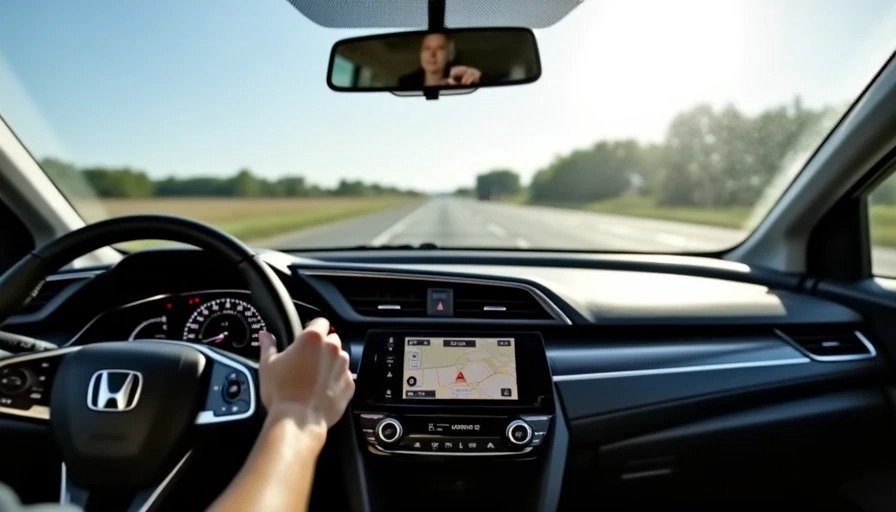
The 2026 Civic Sport Touring Hybrid comes with a 10.2-inch fully digital gauge cluster-
. It's crisp, customizable, and displays navigation prompts, audio info, and vehicle data clearly-
.
But it's also a missed opportunity. The graphics are clean but conservative — it looks like a digital version of an analog cluster, rather than something designed for the digital age. There's no AR navigation overlay. No fancy animations. No personalization beyond a few layout options.
It works. It's functional. But it doesn't excite. And for a car that's otherwise so well-executed, the instrument cluster feels like Honda played it safe.
The Missing Piece: No Head-Up Display
One notable absence: the Civic doesn't offer a head-up display at any trim level-
. This is surprising for a 2026 model, especially one that competes with the Mazda3 (which offers a HUD on higher trims). A HUD would keep your eyes on the road while displaying speed, navigation, and driver-assist info.
It's not a dealbreaker, but it's a noticeable gap in an otherwise well-equipped cockpit.
The Verdict: 7.2 / 10
Dimension | Score |
Cold Boot Time | 6.3 / 10 |
CarPlay Sync Speed | 7.8 / 10 |
Glare Index | 5.5 / 10 |
Menu Depth | 8.4 / 10 |
45 MPH Safety Check | 7.5 / 10 |
Total | 7.2 / 10 |
The 2026 Honda Civic's cockpit is a textbook example of "good enough." It's not the best in class — the glare is annoying, the voice assistant is inconsistent, and the lack of a HUD is a miss-
. But it's also not frustrating. The physical climate controls are a win. The wireless CarPlay is fast and reliable. The menu structure is logical. And the whole thing feels like it was designed by people who actually drive cars.
That last part matters more than you'd think. In an era of touchscreen-everything and buried climate controls, Honda's restraint is refreshing-
. The Civic's cockpit doesn't try to impress you with flashy graphics or gimmicky features. It just works.
And sometimes, "just works" is exactly what you need when you're merging onto I-696 with a four-year-old in the backseat asking why the map isn't showing the purple car anymore.
Bench-tested. Kid-tested.