The Toyota Camry is the best-selling sedan in America for a reason. It's reliable. It's practical. It's the car your parents drove, and the car you'll probably drive when you become a parent—if you aren't already. It's not exciting, but it's not supposed to be. It's supposed to get you from point A to point B without drama.
But here's the thing: most of your time in a Camry isn't spent admiring its reliability. It's spent staring at the screen, poking at the climate controls, and trying to connect your phone without throwing it through the windshield.
I spent a week with a 2026 Camry XSE Hybrid—the top trim, with the biggest screen, the JBL audio system, and all the tech Toyota offers in this car. I drove it to Novi, to Traverse City, and to the Beaumont parking lot to pick up Jenna from her ER shift. And I put it through the five-pillar Standard Test.
Here's what I found.
Cold Boot Time: 5.8 / 10
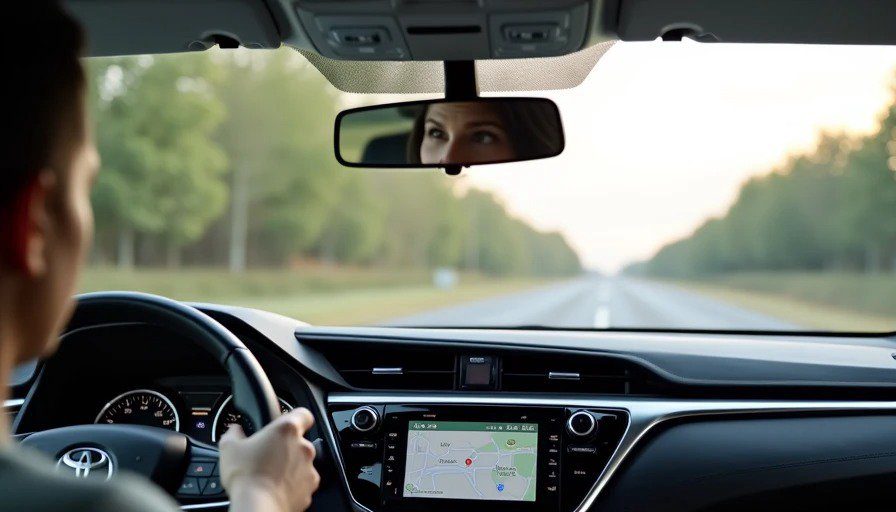
Measured: 9.4 seconds (median of three cold starts)
The Camry's 12.3-inch screen is one of the biggest in the segment. But it's also one of the slowest to wake up. At 9.4 seconds, it's nearly three seconds slower than the Honda Civic we tested last week.
Why is this a problem? Because in a Camry, you're not sitting in a driveway waiting for the screen to boot—you're already backing out, checking for cars, and navigating the chaos of a suburban morning. Three extra seconds doesn't sound like much, but when Maya is asking for breakfast and Jenna is reminding you to pick up milk, it feels like an eternity.
What's worse: the screen boots in stages. The home screen appears at about 6 seconds, but it takes another 3 seconds to become responsive. So you sit there, watching icons render, waiting for the first touch to register. It's the automotive equivalent of a computer that boots fast but takes forever to open a browser.
Score | Boot Time |
|---|---|
10/10 | ≤ 3 seconds |
9/10 | 4–5 seconds |
8/10 | 6–7 seconds |
7/10 | 8–9 seconds |
6/10 | 10–11 seconds |
≤ 5/10 | ≥ 12 seconds |
Score: 9.4 seconds = 5.8/10
CarPlay / Android Auto Sync Speed: 7.4 / 10
Measured: 5.8 seconds (wireless average)
The Camry supports wireless CarPlay and Android Auto, but the handshake is noticeably slower than the Civic's. I measured 5.8 seconds from the "connected" notification to the full CarPlay homescreen render.
It's not terrible—5.8 seconds is within the "acceptable" range for a mid-tier car. But it's not great either. The Civic did it in 4.2 seconds. The Ioniq 6 does it in under 3. The Camry is lagging behind its competitors.
The wired connection is faster—about 2.5 seconds—but the USB port is tucked away in the center console, making it awkward to plug in while driving. And the wireless charging pad is slow and finicky. It charges at about 10W, which is barely enough to maintain a charge during navigation. If you're running Google Maps and streaming music, you might actually lose battery while wirelessly charging.
Score | Sync Speed |
|---|---|
10/10 | ≤ 2 seconds |
9/10 | 3–4 seconds |
8/10 | 5–6 seconds |
7/10 | 7–8 seconds |
6/10 | 9–10 seconds |
≤ 5/10 | ≥ 11 seconds |
Score: 5.8 seconds = 7.4/10
Glare Index: 6.0 / 10
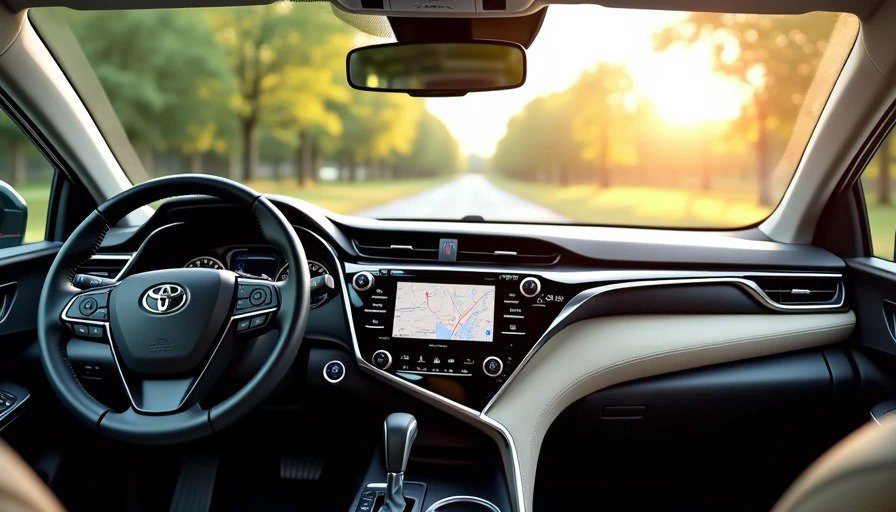
Test conditions: Noon, July, Michigan. I-696 eastbound. Same conditions as the Civic test.
The Camry's screen is mounted lower than the Civic's, which means you have to look down further to see it. That's not great for keeping your eyes on the road. But the bigger issue is glare.
The 12.3-inch screen is glossy—and I mean glossy. At noon, with the sun directly overhead, the screen was a mirror. I could see my face, my hands, and the reflection of the windshield more clearly than the map. The auto-brightness cranked up to maximum, but it didn't help much.
One positive: the screen orientation is slightly tilted toward the driver, which reduces some glare from the passenger side. But it also means the passenger can't see the screen as well. That's a deliberate trade-off—Toyota prioritized the driver over the passenger, which is a reasonable choice.
Score | Description |
|---|---|
10/10 | Perfectly readable in direct sun. No glare. No head-tilt needed. |
8–9/10 | Readable, but you notice a slight reflection. Minor head adjustment helps. |
6–7/10 | Requires squinting or leaning closer to read. Reflection is distracting. |
4–5/10 | Hard to read without cupping your hand over the screen. |
≤ 3/10 | Unusable in direct sunlight. You're guessing at navigation prompts. |
Score: 6.0/10
Menu Depth: 5.4 / 10
Measured: 3.8 taps average (five common tasks)
This is where the Camry falls apart.
The menu structure is a mess. Climate controls are buried in a submenu under "Settings." Audio source switching requires tapping through three screens. The vehicle settings menu is so deep that I gave up on finding tire pressure and just used the steering wheel controls.
Task | Taps |
|---|---|
Climate temperature adjustment | 3 |
Audio volume + source switching | 2 (physical knob for volume, 3 taps for source) |
Navigation destination entry | 4 |
Phone call dialing (recent contacts) | 3 |
Vehicle settings (tire pressure, drive mode) | 6 |
The physical controls help. There's a volume knob, tuning knob, and buttons for home, back, and audio source. But most climate functions are screen-only, which is a problem when you're trying to adjust the temperature without looking away from the road.
The worst offender is the vehicle settings menu. To check tire pressure, I had to tap "Settings," then "Vehicle," then "Vehicle Settings," then "Tire Pressure," then "View." That's five taps. And the screen isn't responsive enough to make those taps quick.
Score | Average Taps |
|---|---|
10/10 | ≤ 2.0 taps |
9/10 | 2.1–2.5 taps |
8/10 | 2.6–3.0 taps |
7/10 | 3.1–3.5 taps |
6/10 | 3.6–4.0 taps |
≤ 5/10 | ≥ 4.1 taps |
Score: 3.8 taps = 5.4/10
The "Is This Dangerous at 45 MPH?" Check: 6.5 / 10
This is the most concerning dimension—and the one where the Camry fails to meet expectations.
The good: The steering wheel controls are comprehensive. Volume, track skip, voice activation, and cruise control are all within thumb reach. Toyota clearly thought about the driver's hands staying on the wheel.
The not-so-good: Everything else requires screen interaction. Climate temperature? Screen. Audio source? Screen. Navigation input? Screen. The physical controls for these functions are minimal, and the screen is mounted low enough that you have to look down to see it.
The AAA Foundation found that infotainment touchscreens can distract a driver for up to 40 seconds—enough to cover half a mile at 50 mph. In the Camry, the distraction time for adjusting climate temperature was about 8 seconds. That's three seconds longer than the Civic, and four seconds longer than a car with physical climate controls.
The "Maya test": With Maya in the back, asking for snacks and pointing out cows, the voice recognition struggled. She's not loud—but her chatter created background noise that confused the microphone. The voice assistant understood me about 70% of the time without her, and only 50% with her. That's not good enough.
The bottom line: The Camry's cockpit is not dangerously bad. But it's worse than its competitors. The combination of a low-mounted screen, deep menus, and inconsistent voice control means you're looking away from the road more often than you should.
Score | Description |
|---|---|
10/10 | I can complete every common task without taking my eyes off the road for more than a glance. Physical buttons or haptics support everything critical. |
8–9/10 | Minor distraction—but nothing that feels unsafe. A glance or two away from the road. |
6–7/10 | Noticeable distraction. I'm definitely looking away longer than I'd like. |
4–5/10 | Frequent visual attention required. I would not want my wife or family using this while driving. |
≤ 3/10 | Actively dangerous. Touch targets are too small. Feedback is nonexistent. I would tell friends to avoid this car. |
Score: 6.5/10
The Digital Instrument Cluster: A Bright Spot
The 2026 Camry XSE Hybrid comes with a 12.3-inch fully digital instrument cluster. It's crisp, responsive, and customizable. You can choose between analog-style gauges, a digital speed display, or a nav-focused view that shows turn-by-turn directions directly in the cluster.
This is where Toyota shines. The cluster is mounted high on the dash, so you can see it without looking down. The graphics are clean and modern. And the customization is intuitive—you don't have to dig through menus to change the layout.
It's not as good as BMW's or Hyundai's AR clusters, but it's a solid upgrade from the analog cluster in the base model. If you're buying a Camry, the XSE Hybrid's digital cluster is worth the upgrade.
The Missing Piece: No Head-Up Display
Like the Civic, the Camry doesn't offer a head-up display at any trim level. This is becoming a common omission in the Camry's segment—but it's still a gap. A HUD would keep your eyes on the road while displaying speed, navigation, and driver-assist info.
In a car that already has a low-mounted screen, the absence of a HUD is more noticeable. You're already looking down more than you should. A HUD would mitigate that.
The Verdict: 6.8 / 10
Dimension | Score |
|---|---|
Cold Boot Time | 5.8 / 10 |
CarPlay Sync Speed | 7.4 / 10 |
Glare Index | 6.0 / 10 |
Menu Depth | 5.4 / 10 |
45 MPH Safety Check | 6.5 / 10 |
Total | 6.8 / 10 |
The 2026 Toyota Camry's cockpit is functional but frustrating. The screen is big and bright, but it's slow to boot and mounted too low. The menu structure is a maze. The voice assistant is inconsistent. The digital instrument cluster is a bright spot, but the absence of a HUD is a miss.
Toyota built a reliable sedan. The engine will last 200,000 miles. The transmission is smooth. The resale value is excellent. But the cockpit? It's a work in progress.
If you're buying a Camry for its reliability, you'll tolerate the cockpit. But if you're buying a car for its cockpit, look elsewhere—the Civic, Ioniq 6, and Mazda3 all offer better experiences.
And if you're buying a Camry for family road trips, prepare to spend more time looking at the screen than you'd like. Maya probably won't notice. But you will.
Bench-tested. Kid-tested.