A wireless carplay and android auto adapter is one of those tiny accessories that sounds like a gimmick until you live with it for a week. Then the cable starts to feel like the outdated part, not the phone. In a normal commute, the appeal is simple: get in, start the car, and let the screen connect without fishing a USB cord out of the console. In a family car, that matters even more because the center stack is already busy with snacks, chargers, and one child asking why the music stopped.
The best units do one job well. They take a factory system that only supports wired CarPlay or wired Android Auto and make the phone connection happen over Wi-Fi and Bluetooth instead. That means the head unit still thinks it is talking to a wired accessory, while your phone stays in your pocket or cup holder. The good news is that this usually feels seamless after the first pairing. The bad news is that not every box handles the handoff with the same grace, and that is where the cheap stuff earns its reputation.
What this box actually does
A wireless carplay and android auto adapter is not rewriting your infotainment system. It is translating. The car starts by seeing a USB device, then the adapter shifts the heavy lifting to a wireless link so your phone can stream the interface without a cable. That is why compatibility matters so much. If your car never had wired CarPlay or wired Android Auto in the first place, this accessory will not create it out of thin air.
This is also why startup behavior varies. Some cars wake fast and let the adapter handshake in a few seconds. Others need the head unit to finish booting before the adapter can even begin. If you have ever sat through a long splash screen while the radio and backup camera slowly come alive, you already understand the bottleneck. The adapter can be quick and the car can still be slow.
The engineering reason some adapters feel better
The cleanest-feeling setups usually do two things right. First, they keep the Bluetooth discovery process short, so your phone and the box find each other quickly. Second, they use a stable Wi-Fi channel for the actual CarPlay or Android Auto stream. That matters because the interface sends more than simple audio; it is carrying map tiles, touch input, media metadata, and voice prompts at the same time.
This is where the better brands separate themselves from the bargain bins. AAWireless built a following with Android Auto users because it stayed focused on one task and kept firmware updates coming. Motorola’s MA1 earned a similar reputation on the Android side for being simple and dependable. For dual-platform households, the 2-in-1 units from brands like CarlinKit and Ottocast can be useful, but I would still read the specs carefully before buying. Some of those boxes are really two products in a trench coat.
What you feel as a driver is mostly lag, reconnect time, and audio consistency. A well-tuned adapter disappears. A sloppy one makes every song skip feel like a design flaw.
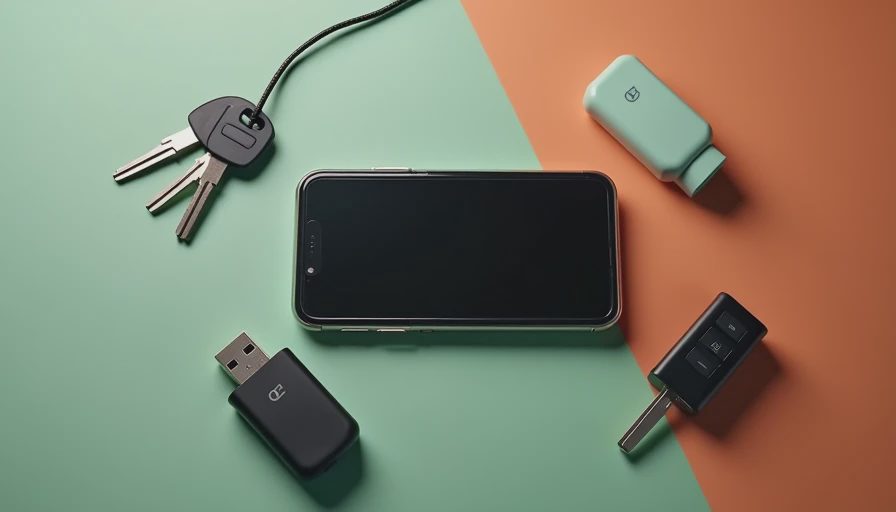
Compatibility mistakes that waste money
The biggest shopping mistake is assuming every adapter works with every screen. It does not. The box has to match the phone platform your car already supports, and it has to match the head unit’s wired capability. If your vehicle only supports Apple CarPlay, do not expect Android Auto support to appear just because the listing says wireless. If your system is already native wireless, you do not need this accessory at all.
Price can be a clue, but not a guarantee. Many decent single-platform adapters land around $45 to $80. Dual-platform models often sit closer to $80 to $130. Past that range, you are usually paying for nicer firmware, better support, or a smaller enclosure that fits better in a cramped console. I care more about update history than glossy packaging, because firmware fixes are what smooth out pairing bugs and random disconnects.
If your car has multiple USB ports, the exact port matters too. Some ports are data-only. Some are power-only. Some are hidden behind a weird trim choice that only makes sense to the person who signed off on the center console in the first place.
How it behaves in a real family car
In the real world, the difference between decent and annoying shows up during short trips. The best wireless carplay and android auto adapter pairs once, reconnects predictably, and survives the stuff that cars actually do: engine restarts, fuel stops, and quick errands with the phone already in a jacket pocket. My baseline test is simple. If I can pull out of the driveway, merge onto the main road, and have maps and audio back before the first traffic light, the box is doing its job.
Kid-tested, the other stress point is interruption. A dropped call or a delayed podcast resume is tolerable once. It gets old fast when the rear seat is asking for a different playlist and the front seat is trying to follow turn-by-turn directions. This is also where the wireless side can expose weak car Bluetooth hardware. If your factory system already struggles with phone calls or mic quality, the adapter will not turn it into a premium setup. It inherits the car’s strengths and weaknesses.
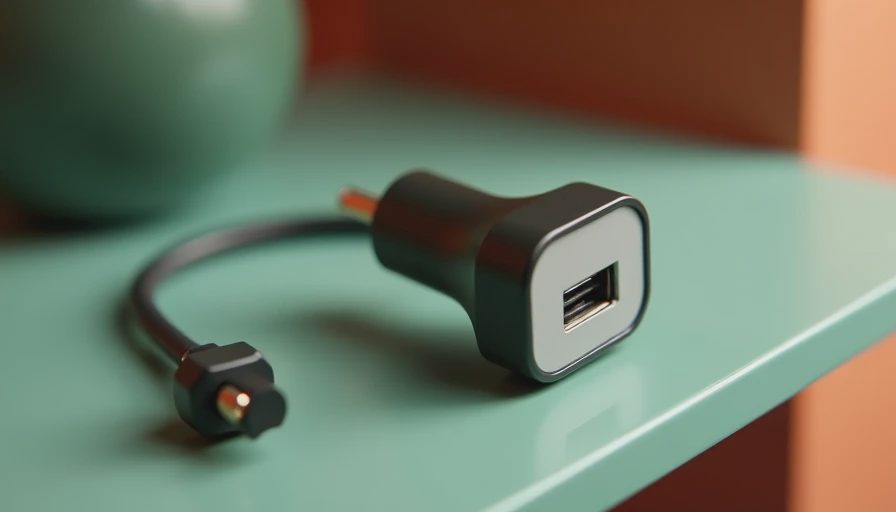
Setup tweaks that fix most complaints
Most bad reviews come from sloppy setup, not a fundamentally broken product. Plug the adapter into the right data port, let the first pairing finish without touching anything, and give it one clean restart before judging it. If the unit has a companion app or firmware tool, update it before you start chasing weird behavior. A surprising number of disconnect complaints come from older firmware shipping in the box.
I also like to test with the phone’s battery saver turned off for the first few drives. Aggressive power management can interfere with background reconnect behavior, especially on Android. On the Apple side, privacy prompts and Bluetooth permission settings can delay the first handshake if they are ignored. Once everything is stable, the setup should feel boring. That is a compliment.
If you are swapping phones between drivers, expect the first phone to reconnect faster than the second. The cleaner fix is to pair each device once, then stop redoing the setup every morning. This is one of those rare times where a little discipline saves more frustration than a better product would.
What I would buy if I were shopping today
If I wanted the lowest-friction Android Auto setup, I would start with AAWireless or Motorola before wandering into no-name territory. If I needed both platforms in one household, I would look at a dual-mode box from a known seller, pay attention to return policy, and avoid listings that promise every feature under the sun for half the normal price. Those are usually the ones that make reconnect time feel like a hobby.
The wireless carplay and android auto adapter is worth it when your car already has decent wired integration and you hate the cable more than you hate waiting five extra seconds at startup. It is not a magic upgrade for every dashboard, and it will not fix a bad factory screen. But on the right system, it removes one more piece of clutter and makes the cabin feel newer every single time you drive. Bench-tested. Kid-tested.