A CarPlay screen upgrade for car can make an aging cabin feel dramatically less frustrating without replacing the entire vehicle. I care less about a giant display in a product photo than what happens at 7:42 a.m., with Michigan winter gloves on, a four-year-old asking for snacks, and a phone that needs to connect before the next red light. The good upgrades reduce taps and distractions. The bad ones add a second layer of lag between you and the functions you already understand.
Start with compatibility, not screen size
The first question is not whether a 10.1-inch display looks impressive. It is whether your car has the right electrical and audio interfaces. Most aftermarket units are designed for vehicles with a standard double-DIN opening, but many newer dashboards use custom shapes, integrated climate controls, fiber-optic audio networks, or factory amplifiers that require an adapter.
A practical CarPlay screen upgrade for car should preserve steering-wheel buttons, backup-camera behavior, and basic vehicle settings where possible. Crutchfield is useful for checking vehicle-specific fitment, while brands such as Sony, Kenwood, Alpine, and Pioneer publish detailed compatibility information. Portable units from Carpuride, Ottocast, and similar brands avoid dashboard surgery, but they usually depend on an auxiliary input or an FM transmitter for sound. That distinction matters more than the product listing suggests.
Before ordering, identify the factory radio model, screen opening, camera wiring, amplifier type, and whether the car already supports wired Android Auto or CarPlay. A ten-minute fitment check can prevent a $400 return and a weekend spent removing trim clips.
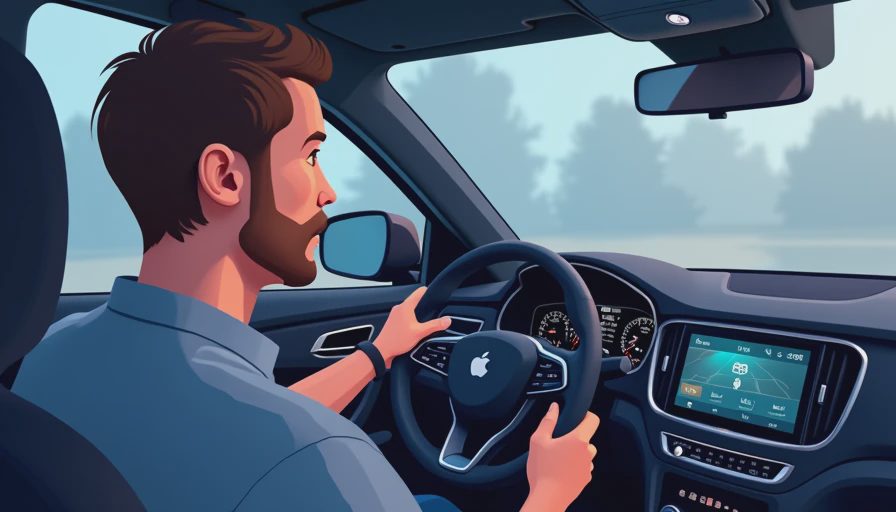
Portable versus installed hardware
A portable display is the fastest route. It normally mounts with a suction cup or adhesive base, receives power through USB or a 12-volt outlet, and sends audio through an auxiliary cable, FM frequency, or Bluetooth connection. Installation can take less than an hour. That makes it attractive for an older commuter, a second family vehicle, or a leased car where cutting the dashboard makes no sense.
The compromise is visual integration. A portable screen may sit high, block part of the windshield, or leave a cable hanging near the shifter. FM transmission is especially dependent on local radio congestion, and even a clean Bluetooth path can introduce a small delay between video prompts and sound. A wired aftermarket receiver looks cleaner and usually delivers better audio, but labor often adds $150 to $300, and complex vehicles can push the total installation above $1,000.
My rule is simple: choose portable when reversibility is the priority. Choose an installed receiver when daily usability, audio quality, and steering-wheel integration matter more than keeping the dashboard untouched.
What separates a good unit from a cheap one
A CarPlay screen upgrade for car should be judged by boot time, touch response, microphone quality, and failure recovery rather than pixel count. A screen that takes 45 seconds to start is not premium because it has a sharp panel. You will notice the delay every morning.
Look for a capacitive touchscreen, a physical volume knob or usable buttons, a stable wireless connection, and a microphone that does not make callers sound as though you are speaking from inside a tunnel. Wireless CarPlay is convenient, but it introduces another radio link. In a well-designed system, the phone connects automatically in roughly the time it takes to buckle up. In a poorly designed one, you restart Bluetooth, open settings, and wonder whether the problem is the phone or the head unit.
Brand positioning helps. Sony and Kenwood generally emphasize predictable interfaces and strong audio tuning. Alpine often focuses on vehicle integration. Pioneer offers a wide range of sizes and prices. Budget Android-based screens can provide more customization, but their menus and update support vary considerably. I would pay for reliable startup before paying extra for animated wallpapers.
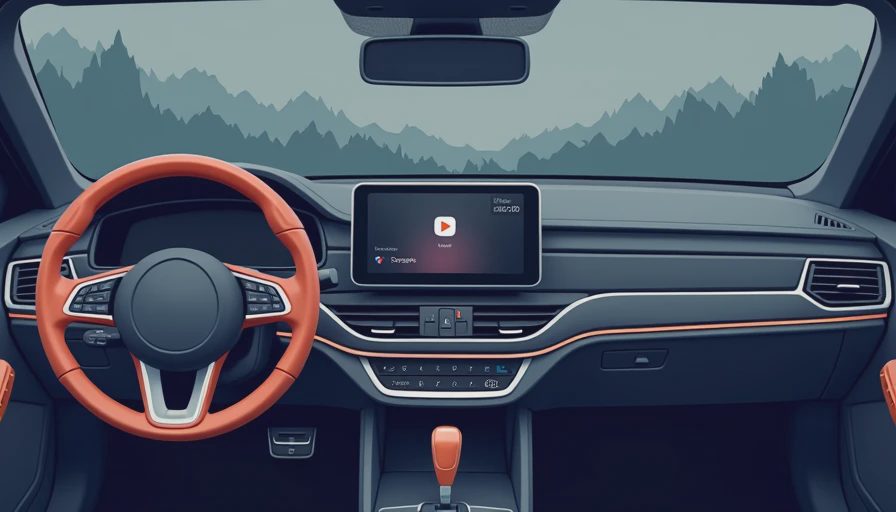
Installation details that prevent daily annoyances
If you install a CarPlay screen upgrade for car yourself, photograph every connector before disconnecting it. Use a vehicle-specific wiring harness instead of cutting the factory loom. Keep the microphone away from HVAC vents, secure USB cables so they cannot fall behind the console, and test the backup camera before reinstalling every trim panel.
Ground-loop noise is a common surprise when an aftermarket receiver connects to a factory amplifier. A faint whine that rises with electrical load usually points to a signal or grounding problem, not a defective screen. Steering-wheel controls may also need a separate interface module. Test volume, track skip, voice activation, and source switching while the dashboard is still open.
For a professional installation, ask what is included in the quote. The receiver price may not include the dash kit, wiring harness, antenna adapter, camera interface, steering-control module, or labor. A $500 receiver can become a $900 project quickly, but paying for correct integration is cheaper than chasing intermittent faults later.
Everyday testing: the family-car standard
The most honest test is not sitting in a driveway with a clean phone and unlimited time. It is a normal trip. Does the display remain readable in direct sun? Can you hit pause with gloves? Does the connection recover after stopping for fuel? Can your passenger change a route without opening five menus?
A good CarPlay screen upgrade for car should make those moments boring. The map should continue after a tunnel or restart. Incoming calls should not mute the entire cabin for several seconds after they end. Voice commands should understand a destination over road noise. If a child in the back seat unplugs a charging cable, the system should reconnect without requiring a parked reset.
Check heat performance as well. A screen mounted on top of the dashboard can become extremely hot in summer sunlight, and some inexpensive units slow down or reboot when their processors and displays heat soak. That is not an abstract engineering concern; it turns a navigation tool into a blank rectangle when you need it most.
My buying and setup recommendation
For a daily driver with a standard opening, I would prioritize a reputable receiver, a vehicle-specific harness, and a simple interface over the largest available display. Budget approximately $350 to $700 for hardware, then add installation if the wiring or dashboard is complicated. For an older car or lease, a portable display around $150 to $300 can be the sensible answer, provided it has a clean audio path and a secure mount.
A CarPlay screen upgrade for car is worth doing when it solves a specific annoyance: unreliable navigation, a dead factory display, poor hands-free calling, or the absence of modern phone integration. It is not worth doing merely because a listing promises a huge screen. Read the return policy, confirm fitment, test every factory function before finishing the install, and give the system a week of real use.
The cockpit is successful when you stop thinking about the technology. Bench-tested. Kid-tested. That is the standard I would use before spending money on any screen.