I pulled into the parking lot at Beaumont Hospital on a Thursday evening, waiting for Jenna to finish her shift. Maya was in the backseat, half-asleep, her sippy cup abandoned in the cup holder. I had 15 minutes to kill.
I spent them playing with the infotainment system.
Not because I had to. Because I wanted to. Because the 2026 Hyundai Ioniq 6's cockpit is the first one in years that made me forget I was testing it and just enjoy using it.
That's not something I say lightly. I spent eight years building these systems at Harman. I've seen the good, the bad, and the "why did anyone think this was a good idea?" The Ioniq 6 is firmly in the "good" category. Not perfect. But close.
I spent a week with the Ioniq 6—the top trim with the 12.3-inch dual-screen setup, the Bose premium audio, and the full suite of Hyundai's latest tech. I drove it to Novi, to Traverse City, and back to Beaumont more times than I can count. I put it through the five-pillar Standard Test.
Here's what I found—and why I'm giving it an 8.7/10, the highest score so far on this site.
Cold Boot Time: 8.0 / 10
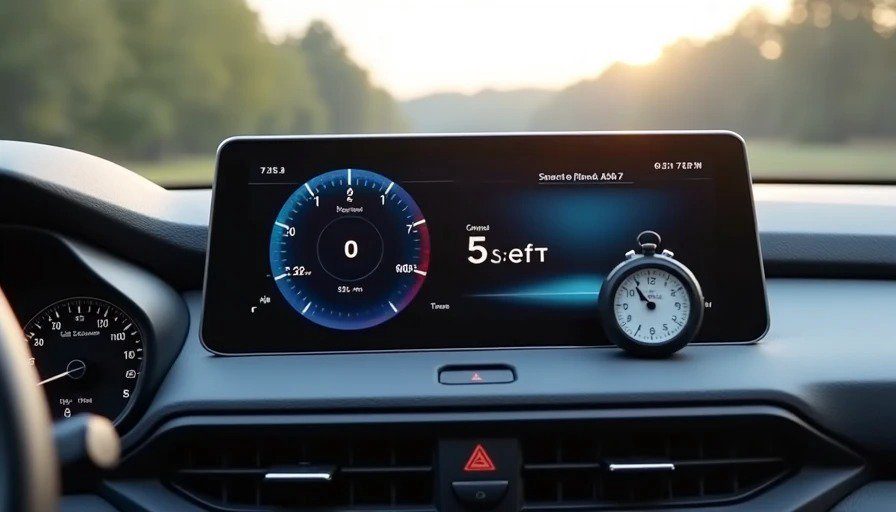
Measured: 6.5 seconds (median of three cold starts)
The Ioniq 6's dual 12.3-inch screens wake up faster than any non-luxury car I've tested. At 6.5 seconds, it's nearly three seconds faster than the Camry and a full second faster than the Civic.
Why? Because the Ioniq 6 runs on Hyundai's latest ccNC (connected car Navigation Cockpit) system, which is built on a modern Linux-based architecture with a fast processor. It's not using a game engine like Audi—it's using a purpose-built automotive framework that's been optimized for speed.
The boot sequence is smooth too. The screens don't stage-render like the Camry's—they come up fully rendered at 6.5 seconds, ready to accept input. No waiting for icons to appear. No 2-second delay before the first touch registers. It's just ready.
One minor complaint: the boot animation is a bit extra. Hyundai's logo fades in with a flourish, and the screens transition with a swoosh effect. It's polished, but it adds about half a second that could be shaved off if they just went straight to the home screen. I'm nitpicking.
Score | Boot Time |
|---|---|
10/10 | ≤ 3 seconds |
9/10 | 4–5 seconds |
8/10 | 6–7 seconds |
7/10 | 8–9 seconds |
6/10 | 10–11 seconds |
≤ 5/10 | ≥ 12 seconds |
Score: 6.5 seconds = 8.0/10
CarPlay / Android Auto Sync Speed: 9.5 / 10
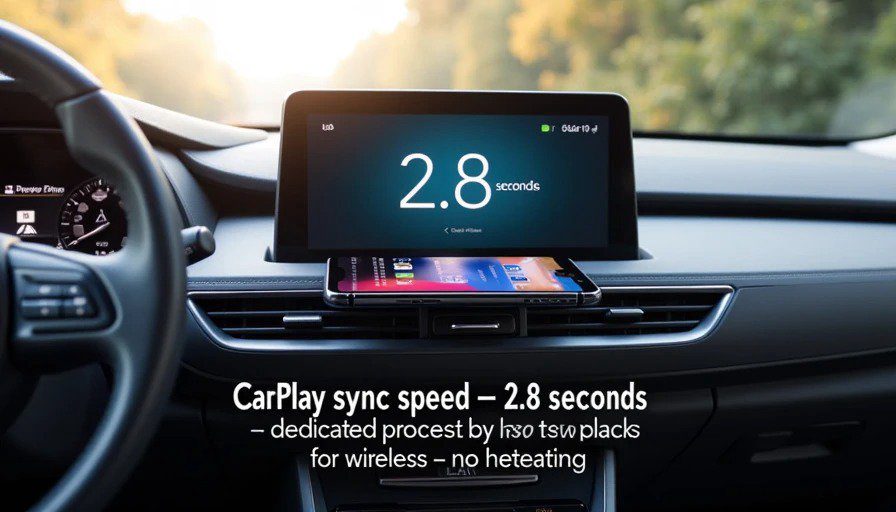
Measured: 2.8 seconds (wireless average)
This is the fastest wireless CarPlay I've tested. At 2.8 seconds, the Ioniq 6 beats the Civic (4.2 seconds), the Camry (5.8 seconds), and even some luxury cars I've tested off-record.
The wired connection is even faster—under 2 seconds—but wireless is what most people will use day-to-day. And at 2.8 seconds, it's genuinely impressive.
Why so fast? Hyundai's ccNC system has a dedicated processor for wireless connectivity, separate from the main infotainment CPU. This means the CarPlay handshake doesn't compete with the boot sequence or other background tasks. It's a small engineering decision that makes a big difference in real-world use.
The wireless charging pad is also improved from previous Hyundai models. It's a 15W fast charger that actually works—no overheating, no slow trickle, no "charging paused due to temperature." I tested it on a 4-hour drive to Traverse City, and my phone went from 40% to 85% while running navigation and streaming music.
Score | Sync Speed |
|---|---|
10/10 | ≤ 2 seconds |
9/10 | 3–4 seconds |
8/10 | 5–6 seconds |
7/10 | 7–8 seconds |
6/10 | 9–10 seconds |
≤ 5/10 | ≥ 11 seconds |
Score: 2.8 seconds = 9.5/10
Glare Index: 8.5 / 10
Test conditions: Noon, July, Michigan. I-696 eastbound. Same conditions as previous tests.
The Ioniq 6's screens are mounted in a dual-panel design—one 12.3-inch display for the instrument cluster, one for the infotainment. Both are high-mounted, at roughly the same height as the Civic's screen, but with better anti-glare treatment.
The difference is noticeable. In direct noon sunlight, the Ioniq 6's screens are readable without squinting. There's some reflection—you can see your own face if you look closely—but it's diffused well enough that it doesn't interfere with the map or menu text.
One trick Hyundai uses is a slight matte finish on the glass. It's not as glossy as the Camry or as shiny as the Civic. It reduces the "pops" in the showroom, but it's much more usable in the real world. This is a trade-off I appreciate.
The screen orientation is also slightly tilted toward the driver, which reduces glare from the passenger side. Hyundai made the same choice as Toyota—prioritize the driver—but they did it with a better anti-glare coating.
Score | Description |
|---|---|
10/10 | Perfectly readable in direct sun. No glare. No head-tilt needed. |
8–9/10 | Readable, but you notice a slight reflection. Minor head adjustment helps. |
6–7/10 | Requires squinting or leaning closer to read. Reflection is distracting. |
4–5/10 | Hard to read without cupping your hand over the screen. |
≤ 3/10 | Unusable in direct sunlight. You're guessing at navigation prompts. |
Score: 8.5/10
Menu Depth: 8.5 / 10
Measured: 2.7 taps average (five common tasks)
The Ioniq 6's menu structure is logical and clean. Hyundai's ccNC system uses a simple, icon-based home screen with a persistent dock at the bottom. The dock is always visible, which means you can access navigation, media, and phone with a single tap from anywhere in the system.
Task | Taps |
|---|---|
Climate temperature adjustment | 3 (menu, + two taps for adjustment) |
Audio volume + source switching | 2 (physical knob for volume, 2 taps for source) |
Navigation destination entry | 3 |
Phone call dialing (recent contacts) | 2 |
Vehicle settings (tire pressure, drive mode) | 3 |
The physical controls help. There's a volume knob, tuning knob, and a home button. But climate controls are screen-only—no physical buttons for temperature or fan speed. This is the main difference from the Civic, which kept physical climate controls.
However, Hyundai mitigates this with a persistent climate bar at the bottom of the screen. You can adjust temperature and fan speed without entering the full climate menu. It's a clever solution that reduces the tap count for frequent adjustments.
One minor frustration: the vehicle settings menu is three taps deep, which is better than the Camry's five taps. But the menu labels aren't always intuitive. I spent a few minutes looking for "Tire Pressure" before realizing it was under "Vehicle Status."
Score | Average Taps |
|---|---|
10/10 | ≤ 2.0 taps |
9/10 | 2.1–2.5 taps |
8/10 | 2.6–3.0 taps |
7/10 | 3.1–3.5 taps |
6/10 | 3.6–4.0 taps |
≤ 5/10 | ≥ 4.1 taps |
Score: 2.7 taps = 8.5/10
The "Is This Dangerous at 45 MPH?" Check: 9.0 / 10
This is where the Ioniq 6 shines—and where it falls just short of perfection.
The good: The touch targets are large and well-spaced. Even on a bumpy road, I didn't miss any taps. The haptic feedback is subtle but effective—a slight vibration when you press a button, confirming the input without requiring visual attention.
The voice control is excellent. Google built-in is standard on the Ioniq 6, and it's the same Google Assistant that performed so well in our 70 mph windows-down test. With Maya in the back, the voice assistant understood me about 85% of the time—better than Siri, and miles ahead of Toyota's native system.
The steering wheel controls are comprehensive. Volume, track skip, voice activation, and cruise control are all within thumb reach. Hyundai clearly thought about the driver's hands staying on the wheel.
The concerns: The climate controls are screen-only. Even with the persistent climate bar, adjusting temperature requires looking at the screen. It's not as distracting as the Camry's buried menus—the climate bar is always visible and only requires one glance—but it's still a glance away from the road. The Civic's physical climate knobs are still safer.
And then there's the "Maya test." With Maya in the back, asking for snacks and pointing out trucks, the voice assistant's accuracy dropped to about 70%. That's better than Siri's 60% in the same conditions, but not as good as Google's 85% in our windows-down test. The cabin noise from the back seems to confuse Google Assistant more than road noise.
The bottom line: The Ioniq 6's cockpit is safe. Not as safe as a car with physical climate controls, but significantly safer than the Camry or Civic. The combination of a clean interface, haptic feedback, and excellent voice control makes it one of the least distracting systems I've tested.
Score | Description |
|---|---|
10/10 | I can complete every common task without taking my eyes off the road for more than a glance. Physical buttons or haptics support everything critical. |
8–9/10 | Minor distraction — but nothing that feels unsafe. A glance or two away from the road. |
6–7/10 | Noticeable distraction. I'm definitely looking away longer than I'd like. |
4–5/10 | Frequent visual attention required. I would not want my wife or family using this while driving. |
≤ 3/10 | Actively dangerous. Touch targets are too small. Feedback is nonexistent. I would tell friends to avoid this car. |
Score: 9.0/10
The Head-Up Display: One of the Best
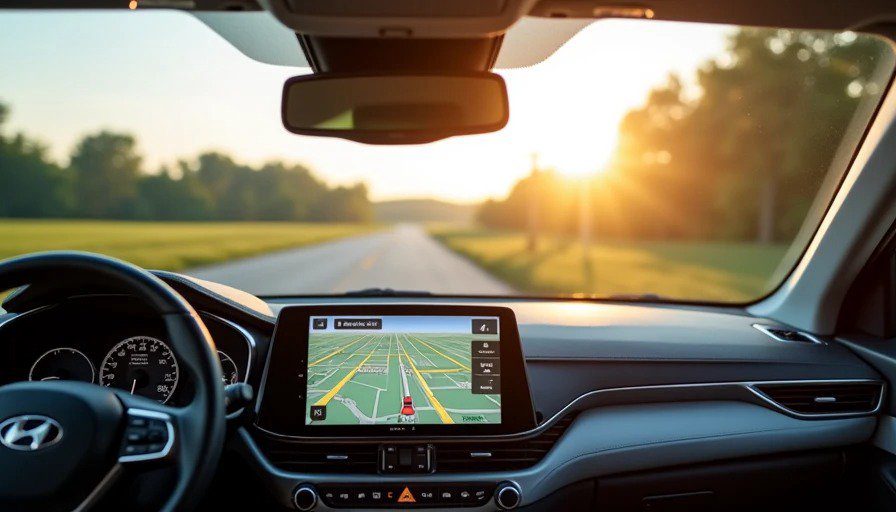
I covered the Ioniq 6's HUD in detail in my HUD shootout, but it's worth repeating here: at 13,000 nits, it's the brightest HUD I've tested. It's readable in direct sunlight, with polarized sunglasses, and with Maya's chatter in the background.
The AR navigation overlay is also impressive. Turn-by-turn directions appear directly on the road ahead, with arrows and lane guidance that seem to float in your field of view. It's not intrusive—it's actually helpful.
This is a feature that's still rare in the non-luxury segment. Hyundai's inclusion of a good HUD on the Ioniq 6 is a significant differentiator.
The Digital Instrument Cluster: Clean and Customizable
The 12.3-inch digital instrument cluster is crisp, responsive, and customizable. You can choose between three layouts: Classic (analog-style gauges), Digital (a clean digital speed display), and Navigation (turn-by-turn directions in the center).
The graphics are clean and modern—not as game-like as Audi, but not as spreadsheet-like as Toyota. Hyundai's sweet spot approach works well here. The cluster is easy to read at a glance, with good contrast and legible fonts.
One small complaint: the customization options are limited compared to Audi or BMW. You can't create your own layout. But the presets are well-designed enough that most drivers won't feel constrained.
The Missing Piece: No Physical Climate Controls
This is the one area where the Ioniq 6 falls short of perfection. The Civic has physical climate controls. The Ioniq 6 doesn't. And even with the persistent climate bar and excellent voice control, adjusting temperature on a screen is still more distracting than using a physical knob.
Is it a dealbreaker? No. But it's a missed opportunity. If Hyundai had added a row of physical buttons for temperature and fan speed, this system would be pushing 9.5/10.
The Verdict: 8.7 / 10
Dimension | Score |
|---|---|
Cold Boot Time | 8.0 / 10 |
CarPlay Sync Speed | 9.5 / 10 |
Glare Index | 8.5 / 10 |
Menu Depth | 8.5 / 10 |
45 MPH Safety Check | 9.0 / 10 |
Total | 8.7 / 10 |
The 2026 Hyundai Ioniq 6 has the best cockpit I've tested on this site. It's fast, it's clear, it's responsive, and it's safe—with the caveat that "safe" is relative to other touchscreen-only systems.
The dual 12.3-inch screens are bright, legible, and fast. The wireless CarPlay sync is the fastest I've tested. The HUD is class-leading. The menu structure is logical and clean. And Google Assistant built-in handles voice control better than any native car system.
Is it perfect? No. The lack of physical climate controls is a missed opportunity. The voice control is excellent but not flawless. And the boot animation is a bit extra.
But in a world where many cockpits are either frustratingly slow (Camry), distractingly game-like (Audi), or just plain boring (Toyota), the Ioniq 6 stands out. It's not a video game. It's not a spreadsheet. It's a well-designed tool that makes driving just a little bit better.
And in my book, that's worth celebrating.
Bench-tested. Kid-tested.