If you plan to use Samsung Galaxy S26 Android Auto every day, the phone itself is only half the story. The other half is the car: its USB controller, wireless radio, head unit software, and the little bugs that show up when all three try to handshake at once. That is why one driver gets a clean launch into maps and music, while another spends ten minutes unplugging and re-pairing in a cold parking lot. In a good setup, the phone disappears into the background. In a bad one, it becomes a rolling troubleshooting session.
Samsung Galaxy S26 Android Auto works best when the whole chain is clean
The biggest mistake people make is treating Android Auto like a phone feature instead of a system feature. The phone runs the apps, but the car decides how stable the connection feels, how fast the screen responds, and whether voice commands come through without a hitch. If the head unit is old, underpowered, or picky about firmware, even a solid Samsung phone can feel flaky. If the car is well tuned, the same phone feels premium.
That is why the software side matters more than the spec sheet. A lot of frustrating behavior comes from stale pairing records, weak USB ports, or an infotainment system that has not been updated since the lease started. On family duty, those are not small problems. When a child is asking for a song and the navigation app is stuck on a black screen, nobody cares that the phone has a flagship badge.
Wired is still the safest bet, even if wireless sounds nicer
Wireless Android Auto is convenient, but wired still wins when you want the fewest surprises. A cable gives you a steadier connection, keeps the phone charged, and avoids the battery drain and heat that wireless can create on longer drives. Wireless projection uses Bluetooth for the initial handshake and Wi-Fi for the heavier data flow, so there are simply more places for the connection to wobble.
If you do go wired, use a short, high-quality USB-C cable. A bargain-bin cord that charges a tablet fine can still fail in a car because Android Auto is more demanding than basic charging. I have seen plenty of cars act haunted with a cheap cable and become boringly reliable with a better one. That is not magic; it is signal integrity and power delivery doing their jobs.
If your commute is short and your car supports wireless well, go ahead and enjoy the convenience. If you do long highway trips, or your vehicle is picky, keep a cable in the center console and treat wireless as a nice extra instead of the default.
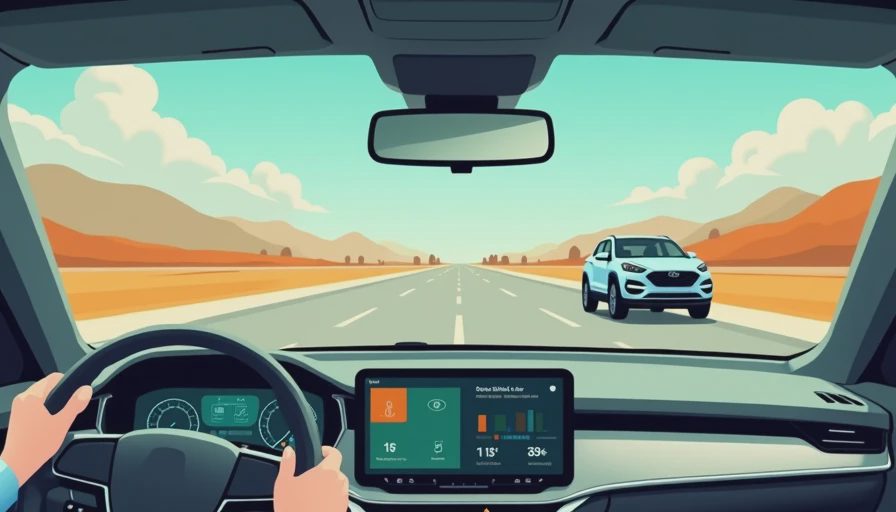
The settings that matter are boring, which is exactly why they work
Most people dig through the Android Auto app looking for a hidden fix and miss the obvious stuff on the phone itself. Update Android Auto, update Google Play services, and make sure Samsung battery settings are not putting the app to sleep. On a Galaxy phone, overaggressive battery optimization can delay reconnects or make the system act like it forgot the car entirely.
Permissions matter too. If Android Auto cannot use location, notifications, nearby devices, or the apps you actually want on the road, you end up with a dashboard that looks connected but behaves half awake. I would rather spend two minutes confirming permissions than twenty minutes rebooting a head unit on the shoulder of a highway.
One smart move on Samsung devices is to use Modes and Routines. Set a routine that kicks in when the car connects over Bluetooth and silences noisy apps, turns on Do Not Disturb, or opens your preferred nav app. That is the kind of small automation that makes the whole system feel deliberate instead of accidental.
When Samsung Galaxy S26 Android Auto gets flaky, start with the least dramatic fix
Most connection problems are not mysterious. They come from one of four things: a bad cable, an old pairing entry, a head unit that needs a reboot, or a phone that has been carrying too many saved cars for too long. Start by forgetting the car on both sides, then pair it again from scratch. If the problem keeps returning, delete old profiles from the car as well. A lot of systems get sluggish when they are holding onto five half-broken phone records.
If the issue happens only on wireless, park the phone away from cluttered USB hubs and cheap wireless chargers that can add interference. If it happens only on one USB port, try the other port in the cabin. Automakers often route one port for data and another for charging, and that detail gets ignored more often than it should.
I have also seen head units get confused after a software update and start behaving normally only after a full reboot, not just a screen tap. That is not elegant, but it is reality. The fastest fix is often the least glamorous one.
The car screen still decides how good the experience feels
Even with a great phone, the dashboard can make Android Auto feel cramped or polished. A wide, high-resolution display gives maps room to breathe. A narrow screen with slow touch response can make every tap feel like a compromise. Some vehicles handle split-screen layouts well, while others bury the most useful controls behind tiny icons and awkward menus.
That is why I care so much about the interface design around Android Auto, not just the phone feeding it. If the climate controls stay easy to reach, if the map does not get squeezed into a postage stamp, and if voice input is reliable, the whole system feels calmer. If the automaker wrapped a decent projection layer in a clumsy menu structure, the phone cannot rescue it.
For drivers who live in maps, podcasts, and constant message alerts, the screen matters every day. For families, the difference shows up when someone in the back seat wants a new playlist and the front seat driver does not want to fight the interface for it.
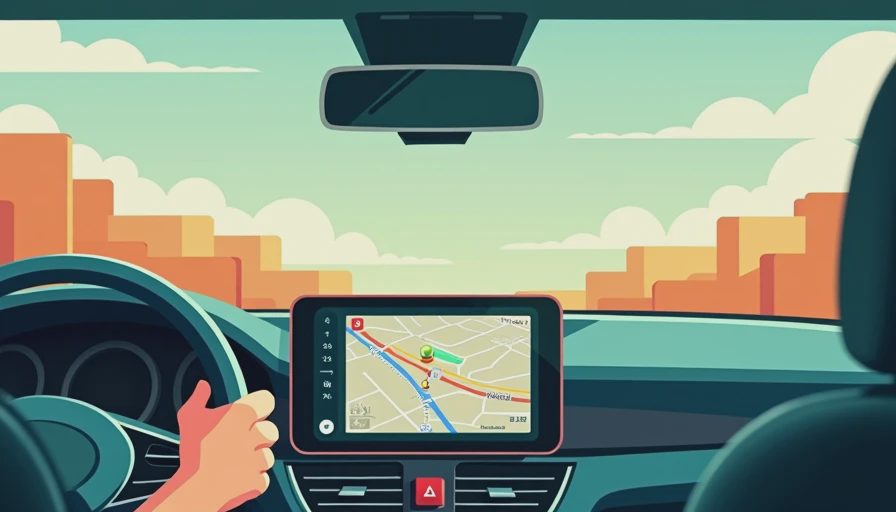
Who should care most about this setup
If you mostly do short trips, a stable wireless setup can feel worth every extra penny. If you commute an hour each way, or you travel with passengers who expect the system to work every single time, wired still earns its place. That is where Samsung Galaxy S26 Android Auto either becomes invisible in the best way, or turns into one more gadget to babysit.
My advice is simple: test the full loop before you declare victory. Connect the phone, start a route, launch music, take a call, and then reconnect after shutting the car off and back on. That sequence tells you more than a glossy launch video ever will. If it holds together there, you are in good shape.
The best setups are the ones you stop thinking about. That is the whole point. You should be paying attention to traffic, not wondering why your phone and car need marriage counseling. Bench-tested. Kid-tested.
For most drivers, Samsung Galaxy S26 Android Auto will live or die on the quality of the car connection, not the phone badge. Get the settings right, choose a good cable, and the rest usually falls into place.