The difference between a smooth commute and a dashboard tantrum is often the android auto usb c cable you tossed into the center console. Android Auto is not forgiving about bad wiring: a cord can charge a phone and still fail at data handoff the moment the car flexes over a pothole, the connector gets a little dirty, or the cabin turns cold enough to stiffen cheap plastic. I test this stuff the same way I test cockpit software: with a family SUV, a short commute, winter gloves, and a child who treats the back seat like a snack bar. The cable has one job. It should connect fast, stay connected, and disappear into the background.
What matters in an android auto usb c cable
Most people shop for the wrong spec. For Android Auto, the car cares less about charging wattage than about a stable data path. A basic USB 2.0 cable is often enough because the phone is sending navigation, audio, and touch input, not a movie file. What matters more is build quality: tight connector fit, decent shielding, and conductors that do not behave like an antenna when the dashboard is busy. USB 3.x is fine too, but it is not a magic fix if the terminations are sloppy. If the car has a USB-A port, use a USB-A to USB-C lead. If it has a USB-C port, a straight USB-C to USB-C cable is cleaner. I prefer 3-foot or 6-foot lengths over random 10-foot spaghetti, because shorter runs are easier to tuck and less likely to flap around in the cabin.
Why cheap cords work for charging and fail in the car
A cheap cord can look fine on a desk and still fall apart in motion. The usual failure mode is not dramatic; the phone shows that it is charging, but Android Auto disconnects when the plug wiggles a millimeter. That happens when the cable was built mainly for power, not reliable signaling. Thin connectors also wear out fast, especially if the phone lives in a pocket with lint or gets yanked out every day. In cold weather, the problem gets worse because stiff insulation pulls on the port and the strain relief does nothing. If you have to reseat the cable every third trip, the cable is already telling you the truth. At that point, the fix is not rebooting the infotainment screen for the fourth time; it is a new cord.
Length, routing, and the stuff that makes daily use easy
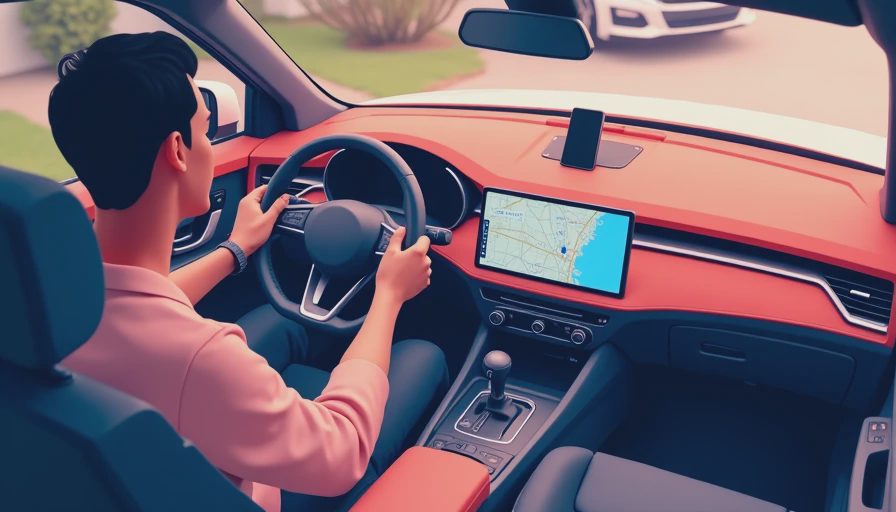
The right android auto usb c cable is usually the one you stop noticing. In a console cubby, that means enough slack to reach the phone without bending the plug into a weird angle, but not so much cable that it loops around the shifter or cup holder. A 3-foot cord works well when the port and phone are close. A 6-foot cord makes sense if the port is buried low in the stack or you keep the phone on a wireless charger and only plug in for projection. Right-angle connectors can help in tight spaces, but they are not magic; a poor right-angle plug still fails if the internal solder joint is sloppy. Braided jackets are nicer for repeated use, though the real win is strain relief at both ends. In a winter coat pocket or with gloves on, a plug that is easy to grab matters more than the cable's marketing copy.
My short list when a reader asks what to buy
When readers ask what to buy, I usually start with the boring brands that keep getting the basics right. Anker's PowerLine line has a good reputation for durability, Belkin's BoostCharge cables are widely stocked and usually well finished, and Cable Matters tends to make straightforward cords without a lot of nonsense in the listing. Amazon Basics can be fine if you buy the actual cable and not a mystery marketplace copy. Expect to spend about $10 to $25 for a good one, a little more if you want a braided build or a right-angle head. I am less interested in the logo than in whether the connector fits snugly, the jacket feels flexible, and the listing does not promise 100-watt miracles for a feature that just needs stable data. If the package reads like a fireworks show, I move on. If it mentions USB-IF certification, that is a nice bonus.
Setup checks before you blame Android Auto
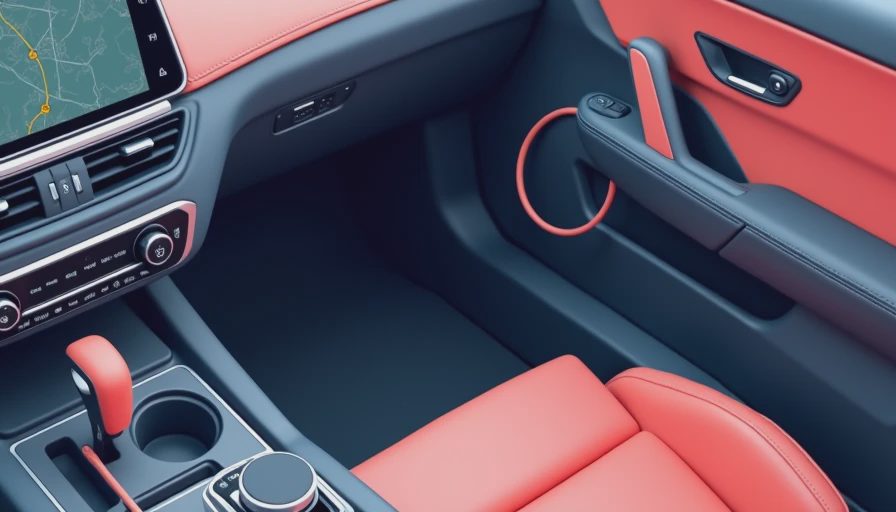
Before you blame the head unit, clean the phone port with something nonmetallic and make sure the cable is seated all the way through the case cutout. A thick case lip can stop a plug short by a millimeter, which is enough to make a connection flaky. Then connect directly to the car's port, not through a hub, adapter chain, or a random extension hiding in the console. If Android Auto still behaves badly, test the phone with a second cable in another car or on a laptop. That simple swap tells you whether the problem lives in the cord, the port, or the phone software. I also like to test from a cold start, because a cable that works once after the cabin warms up is not truly reliable. The whole point is to remove variables until the failure is obvious.
When the cable has to go
If the connection drops over bumps, if the phone charges but projection never launches, or if the plug feels loose in either port, retire it. Cables are cheap enough that there is no honor in keeping a bad one around. I keep a spare in the glove box because a $14 replacement is cheaper than a week of random disconnects and missed exits. That is the whole game here: a good cable makes Android Auto feel native, and a bad one makes a smart system feel broken. If you only buy one thing to fix flaky projection, buy a better android auto usb c cable. Bench-tested. Kid-tested.