The sony xav-ax3200 is the kind of receiver that makes sense after living with a factory infotainment system that has become slow, distracting, or impossible to update. It does not try to be a tablet, a streaming subscription, or a dashboard operating system. It is a straightforward double-DIN head unit built around wired Apple CarPlay, wired Android Auto, a physical control strip, and a screen you can replace without replacing the car. Bench-tested. Kid-tested.
That focus is its main strength. The sony xav-ax3200 will not satisfy someone looking for wireless smartphone projection or a huge, floating display. It can be a very good fit for an older vehicle whose original navigation system is aging badly. The real question is whether you value predictable controls and a clean smartphone interface more than the convenience features found on newer receivers.
What the sony xav-ax3200 actually does
The sony xav-ax3200 uses a 6.95-inch capacitive touchscreen with a conventional landscape layout. Your phone supplies the maps, messages, music, and voice assistant through Apple CarPlay or Android Auto, while the receiver supplies the display, audio processing, microphone connection, and vehicle integration. This division is important: the Sony does not need an elaborate built-in app ecosystem to remain useful.
The system is wired rather than wireless. Connect a compatible phone through the front USB connection, wait for projection to launch, and the familiar phone interface appears. That extra cable is less elegant than wireless CarPlay, but it also avoids another radio connection competing with an already crowded cabin. In my testing philosophy, boring is often a feature. A system that connects consistently beats one that promises convenience and occasionally needs a reboot.
The front controls are another smart decision. Dedicated buttons and a physical volume knob are easier to find by feel than tiny touchscreen controls, especially when the road is rough or a child in the second row is asking for a snack. Sony also includes a separate microphone for calls and voice commands, plus inputs for a backup camera and other installation accessories.
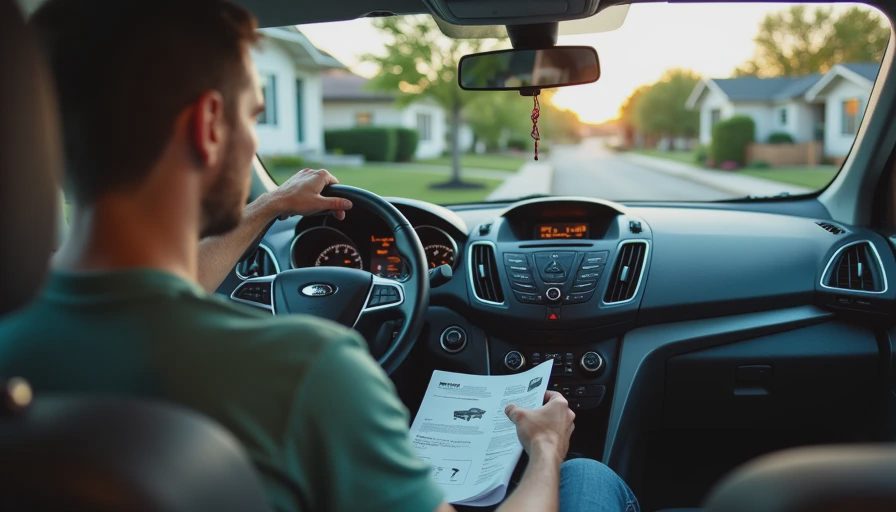
The screen and interface in daily use
The display is not exceptionally large by current aftermarket standards, but its size suits the traditional dashboard opening. Icons are legible, menus are uncluttered, and the screen generally stays out of the way once CarPlay or Android Auto is running. There is no need to learn a completely new navigation system because the interface is the one already familiar from your phone.
That simplicity reveals the engineering tradeoff. The sony xav-ax3200 has fewer layers than a full factory system, so there are fewer places to get lost. However, the panel still reflects an older design generation. You do not get the seamless wireless handoff or glass-like responsiveness of a premium 2024 receiver. Touch response is serviceable rather than dazzling, and sunlight can make any aftermarket display harder to read depending on the dashboard angle.
The physical volume control deserves more praise than it usually receives. A knob gives you a reliable emergency escape when a podcast becomes too loud or a child presses the wrong on-screen button. I have used enough modern systems with volume controls buried in menus to consider this a meaningful safety and usability advantage.
Installation is where the real cost appears
The sony xav-ax3200 is not necessarily a simple weekend swap. The receiver itself is usually only part of the bill. Depending on the vehicle, you may need a dash kit, wiring harness, antenna adapter, steering-wheel-control interface, USB extension, and backup-camera adapter. Those parts can add roughly $50 to $200, while professional installation commonly adds another $100 to $300.
The shallow chassis helps in vehicles with limited space behind the dashboard, but compatibility still depends on the car. Some installations preserve factory amplifiers and warning chimes through an interface; others require more involved wiring. A careful installer should confirm vehicle compatibility before ordering rather than assuming every double-DIN opening is electrically identical.
The best installation plan also puts the USB port somewhere practical. A cable dangling across the shifter is annoying on day one and infuriating by month six. A clean console location or dedicated dash pass-through makes wired projection feel intentional. If your car has factory steering-wheel buttons, budget for the correct interface so track and volume commands remain available.
Sound quality and tuning options
A receiver cannot repair every weakness in an aging speaker system, but the sony xav-ax3200 gives you useful control over the signal. Its equalizer, crossover settings, listening-position adjustments, and time-alignment features can help tame a system that sounds boomy, thin, or uneven. Those controls are most valuable after installation, when you can adjust the sound from the driver's seat instead of guessing in a parking lot.
This is not a replacement for a dedicated amplifier and carefully matched speakers. It is, however, a sensible control center for a daily driver. The preamp outputs also leave room for a more serious system later. Start with the receiver, set gains correctly, and add hardware only when you can identify a specific limitation. Spending $800 on upgrades before fixing basic tuning is usually backwards.
The sony xav-ax3200 also handles the practical sources most drivers use: smartphone projection, Bluetooth calling and audio, radio, and compatible USB media. The important distinction is that it does not pretend those sources need a maze of proprietary menus. Your phone remains the source of truth.
How it compares with newer alternatives
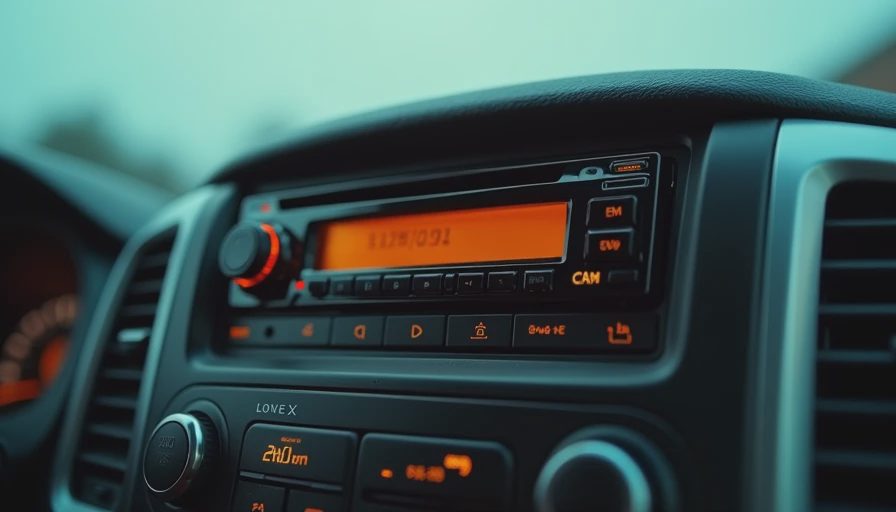
The main reason to choose the sony xav-ax3200 is not that it has the longest feature list. It is that the feature list is understandable. A newer Sony unit may add wireless CarPlay, a larger screen, or faster hardware. Kenwood and Alpine offer competitive receivers with different sound controls and installation ecosystems. Pioneer models often appeal to drivers who want a broader range of display and source options.
Wireless models are more convenient when several people regularly use the car, but they can cost substantially more. A wired receiver can leave room in the budget for a quality dash kit, a steering-wheel interface, or a backup-camera upgrade. For an older commuter vehicle, that tradeoff is often rational. For a new-to-you car used for long family trips, wireless projection might be worth paying for.
The sony xav-ax3200 makes the most sense when your priorities are dependable wired CarPlay, tactile controls, a conventional fit, and a moderate purchase price. It makes less sense if your phone stays in a pocket all day and you expect the head unit itself to provide navigation and entertainment.
Buying and setup checklist
Before buying the sony xav-ax3200, identify the exact year, make, and model of the vehicle. Confirm the dash opening, factory amplifier, steering-wheel controls, backup camera, and antenna connector. Then verify whether your phone uses the required USB connection and whether the included microphone can be mounted near the driver's position.
Compare the complete installed price, not just the receiver price. A receiver listed near $300 can become a $550 project after adapters and labor. That is not automatically a bad deal; it is simply the honest number. Ask the installer whether factory features will be retained, whether the battery will be protected during programming, and whether the USB port will be mounted cleanly.
Finally, test the basics before leaving the shop: phone pairing, voice commands, microphone clarity, steering-wheel buttons, camera activation, radio reception, and screen visibility. Five minutes in the bay can prevent several return trips.
Alex's verdict
The sony xav-ax3200 is a disciplined upgrade, not a technology showcase. It replaces a stale factory interface with the phone platform you already understand, adds sensible physical controls, and gives an older vehicle a useful modern center without turning the dashboard into a science project.
I would recommend the sony xav-ax3200 for a driver who wants reliable wired smartphone projection and values a real volume knob. I would skip it for someone who specifically wants wireless CarPlay, a giant display, or advanced built-in apps. For the right car, this receiver gets the important things right: clear access, predictable behavior, and fewer reasons to take your eyes off the road.