When Apple CarPlay drops out three minutes into a drive, the problem is rarely mysterious. The CarPlay keeps disconnecting fix usually comes down to a weak cable, wireless interference, a stale phone pairing, or software that has lost track of its own connection state. I have seen all four, including the especially annoying version where CarPlay works perfectly in the driveway and fails as soon as a child starts streaming music from the back seat.
The good news is that you can isolate the fault without replacing the head unit. Start with the simplest physical checks, then move through the phone and vehicle settings in order. Randomly changing five settings at once makes diagnosis harder because you will not know which action actually helped.
Start with the cable and USB port
For wired CarPlay, the cable is the first suspect. A cable can charge an iPhone normally while failing data transfers, because charging uses a simpler electrical path than a stable USB data connection. Frayed insulation, a loose Lightning connector, or a USB-C plug that sits slightly crooked can create brief interruptions that look like an infotainment crash.
Use a short, high-quality Apple-certified cable or a reputable USB-IF-certified USB-C cable. Avoid a long cable routed under a center console lid, where repeated bending stresses the connector. If your vehicle has multiple USB ports, test the one marked with a smartphone or CarPlay symbol. Some ports provide power only, while another handles data.
Clean visible lint from the phone port with care, using a nonmetallic tool and no liquid. Then test with a second known-good cable. If the connection becomes stable immediately, you have found the CarPlay keeps disconnecting fix without touching a single software setting.
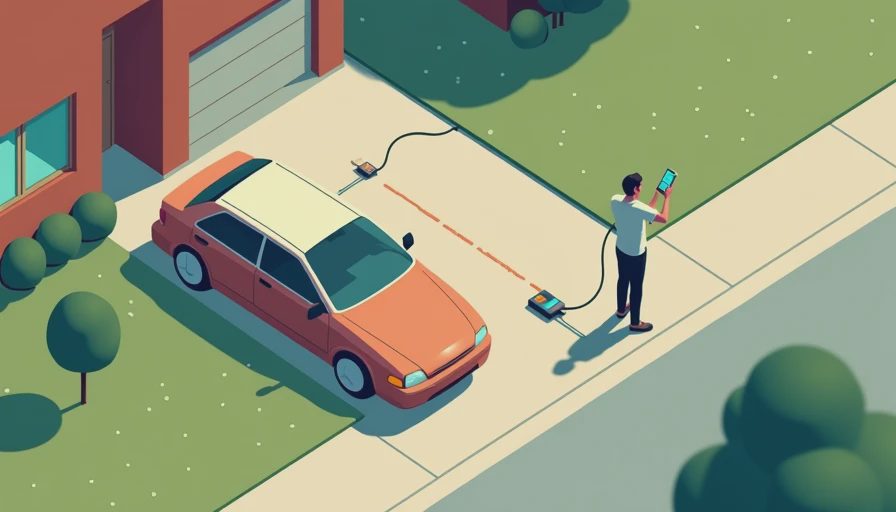
If wired CarPlay still fails, gently move the connector while parked. A brief disconnect points toward a worn phone port, cable, or vehicle socket. Do not keep driving while experimenting with a loose connection; the useful test is whether the failure repeats, not whether you can force it.
Fix wireless pairing before changing everything else
Wireless CarPlay relies on both Bluetooth and Wi-Fi. Bluetooth handles discovery and coordination, while Wi-Fi carries the heavier audio and interface traffic. That is why turning off only Bluetooth usually does not solve the issue. Both radios need to reconnect cleanly.
On the iPhone, open Settings, General, CarPlay, select the vehicle, and choose Forget This Car. Then open Settings, Bluetooth, remove the vehicle if it remains listed, and check Wi-Fi for a saved vehicle network. The exact labels can differ slightly by iOS version, but the goal is to remove the old relationship from every relevant connection list.
Restart the iPhone and the vehicle’s infotainment system. A simple ignition cycle is sometimes enough, but some systems need a long press of the audio power button or a dedicated reset procedure described in the owner’s manual. Pair again with the phone unlocked and sitting near the dashboard. If wireless CarPlay works reliably after this process, the old pairing record was probably corrupted rather than the hardware being defective.
Check iPhone settings that quietly interrupt CarPlay
Low Power Mode is not normally a direct CarPlay killer, but it can change background behavior and make troubleshooting confusing. Turn it off during testing. Also confirm that Siri is enabled, since CarPlay depends on Siri for voice commands and several system interactions. Go to Settings, Apple Intelligence and Siri, or Settings, Siri and Search on older software, and verify that the relevant voice features are available.
Review Screen Time restrictions as well. A restriction affecting CarPlay, Siri, Bluetooth, or driving-related features can produce inconsistent behavior, especially on a family phone managed by more than one adult. Make sure Airplane Mode is off and that the phone has installed the latest available iOS update.
One useful test is to connect a different iPhone. If another phone remains stable in the same vehicle, focus on the original phone, its port, its settings, or its backup. If both phones disconnect, the vehicle side becomes more suspicious. That comparison is more informative than repeating the same connection attempt ten times.
Update the vehicle system and remove interference
Automakers release infotainment updates for connection reliability, USB behavior, Bluetooth, and wireless CarPlay compatibility. Some arrive through an over-the-air update; others require a dealer visit or a USB installation. Check the vehicle’s settings menu and official support page using the exact model year and trim. Do not install a file intended for a similar-looking vehicle.
Wireless problems can also come from congestion. A phone hotspot, aftermarket wireless CarPlay adapter, dash camera with Wi-Fi, or another nearby device can compete for radio attention. Temporarily disable the hotspot and unplug accessories while testing. If you use an adapter, test native wired CarPlay first. An adapter adds another computer, power supply, and wireless link to a system that already has enough opportunities to misbehave.
This is often the overlooked CarPlay keeps disconnecting fix: remove the extra link before blaming the original system. In my experience, fewer variables produce a faster answer than buying a newer adapter immediately.
Know when the head unit is the problem
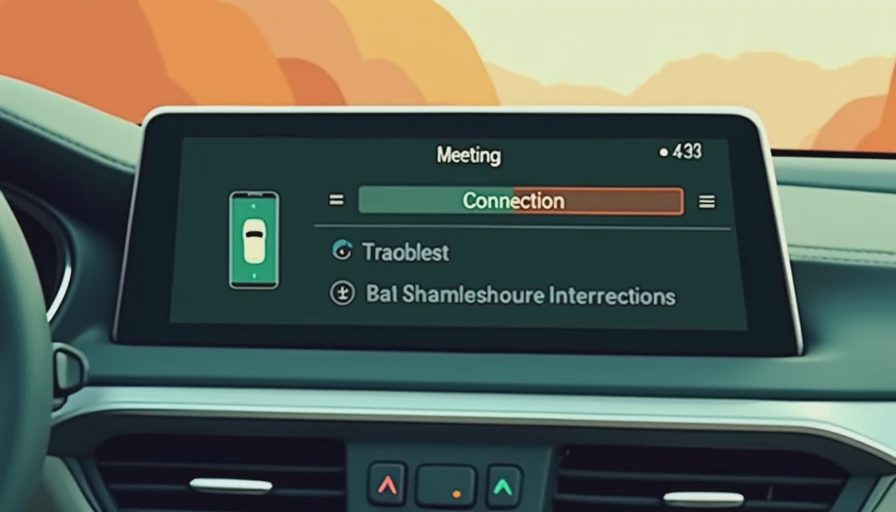
A failing phone is not the only possibility. If multiple current iPhones disconnect with different certified cables, and the failure occurs through more than one USB port, the vehicle’s head unit or USB interface deserves attention. Look for other symptoms: audio cutting out in regular Bluetooth mode, the screen rebooting, clock settings resetting, or buttons becoming unresponsive.
Document the conditions. Write down whether the problem happens on bumps, after the cabin warms up, during wireless charging, or at a particular point in a route. Note whether audio stops while the CarPlay screen remains visible. That detail helps a service technician distinguish a USB data interruption from a full infotainment reboot.
Before paying for a replacement module, ask whether a software update or technical service bulletin addresses the symptom. A replacement head unit can cost hundreds of dollars in parts and labor, while an update or corrected USB harness connection may solve the issue for far less.
A practical five-minute CarPlay test
Park safely and follow this order: try a certified cable, use the correct data port, restart the phone, forget and re-pair the vehicle, then test another iPhone if one is available. For wireless systems, disable hotspots and unplug wireless adapters during the test. For wired systems, avoid charging hubs and extension cables.
If the phone and cable work in another vehicle, the fault is likely on the original vehicle side. If the same phone disconnects everywhere, inspect its port and software. If only wireless mode fails but wired mode is solid, keep using wired CarPlay until the vehicle receives an update or replace the wireless adapter with a well-reviewed model that matches the vehicle’s implementation.
The best CarPlay keeps disconnecting fix is not always the most glamorous one. A $20 cable can outperform a $100 adapter, and a clean re-pair can accomplish more than a factory reset. Bench-tested. Kid-tested. Start with the connection you can verify, change one variable at a time, and you will usually find the weak link before the family playlist reaches its second song.